Access the file server (Nextcloud) via the reverse proxy (SWAG) and a personal domain (OVH) on Unraid 6.9.2
- NAS
- Unraid
- 17 June 2026 at 13:06 UTC
-

- 3/3

7. Remotely access Nextcloud via swag reverse proxy
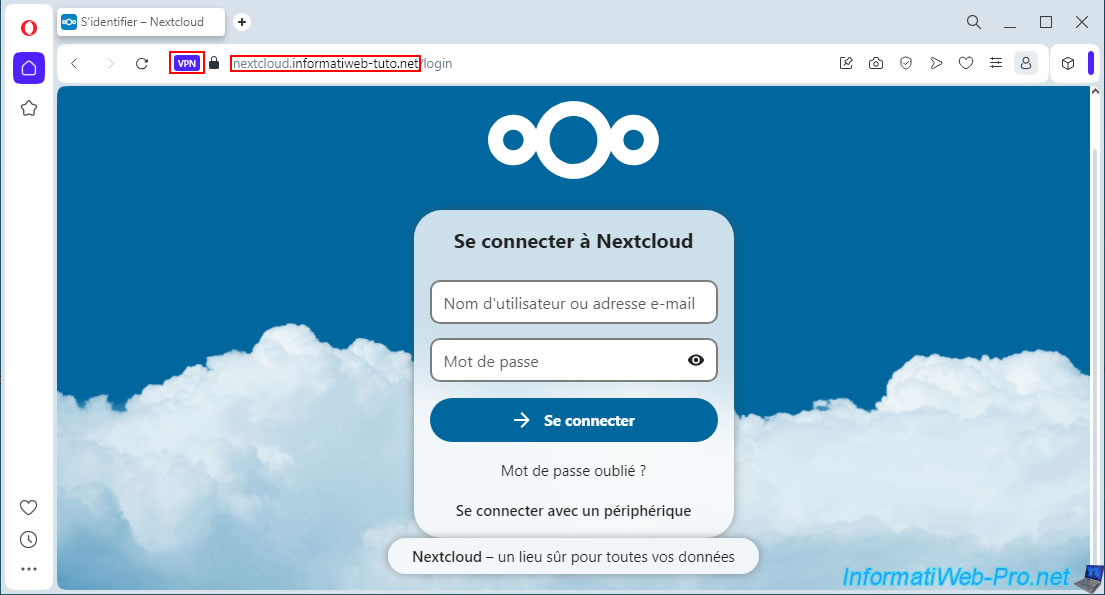
Try accessing your subdomain (in our case: nextcloud.informatiweb-tuto.net) from a computer outside your home or a smartphone connected via 3G.
You can also try our little trick, which involves using the Opera web browser and activating its built-in VPN, which is free, to virtually find yourself outside your home.
Log in with an account on your Nextcloud server, for example, its administrator account.
Note: it is not possible to access your external IP address from a device at home because loopback is blocked by default by your router.
The only options to work around this problem are to use another computer connected to a VPN server, use a 3G connection, or enable NAT reflection on your router (although this is not generally available).
Important : since modifying the Nextcloud configuration file, you can no longer access Nextcloud's local IP address. If you use the "WebUI" option on your "nextcloud" container, you'll see that it no longer works because Nextcloud is trying to redirect you to your external domain name "nextcloud.[your domain]" (which points to your external IP address).
However, you'll see how to fix this problem in a future tutorial.
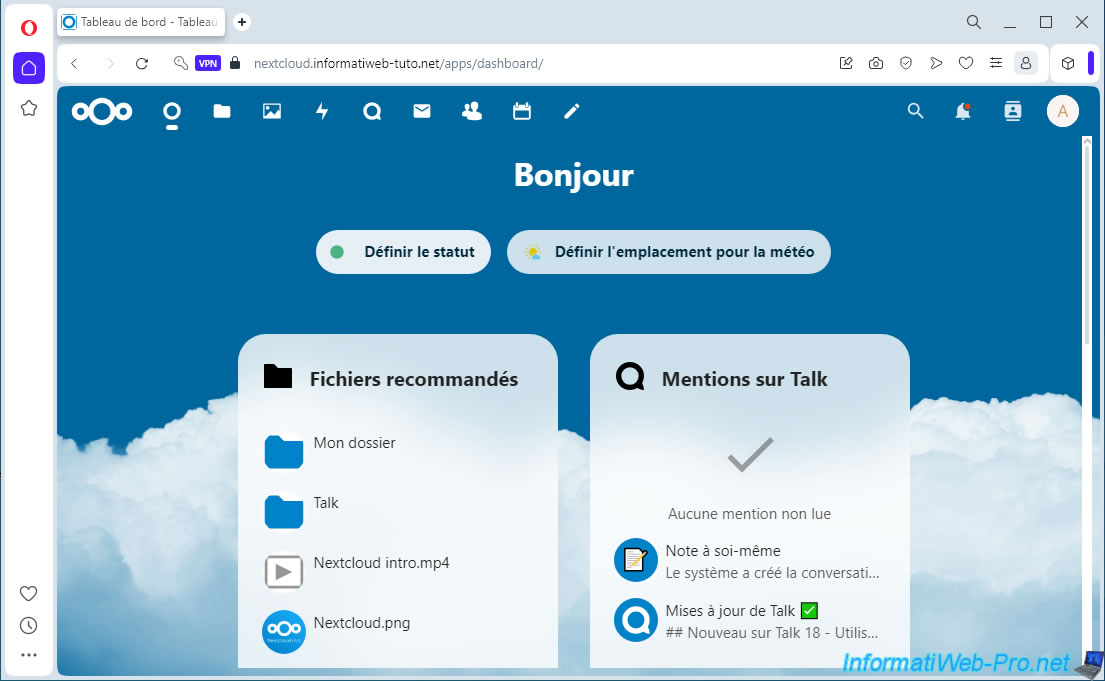
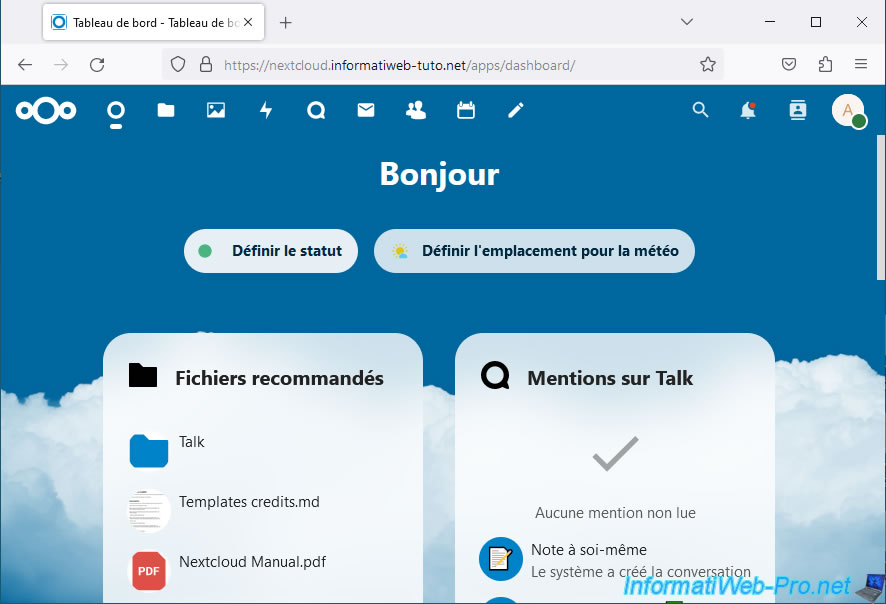
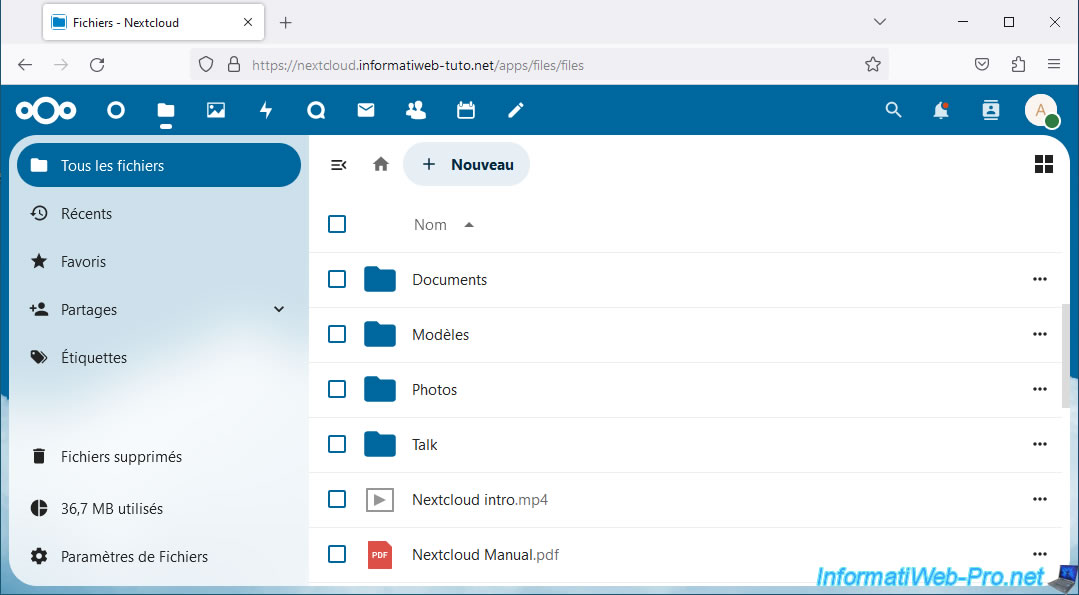
Once connected to your Nextcloud server, the dashboard will appear.
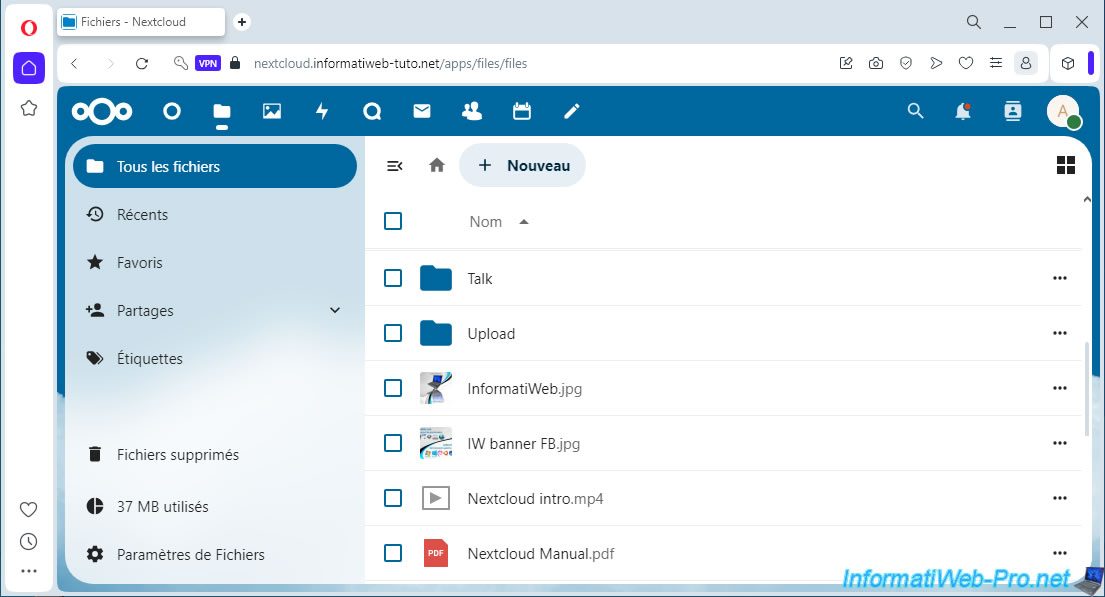
Click on the folder icon (top left of the page) to access your files.
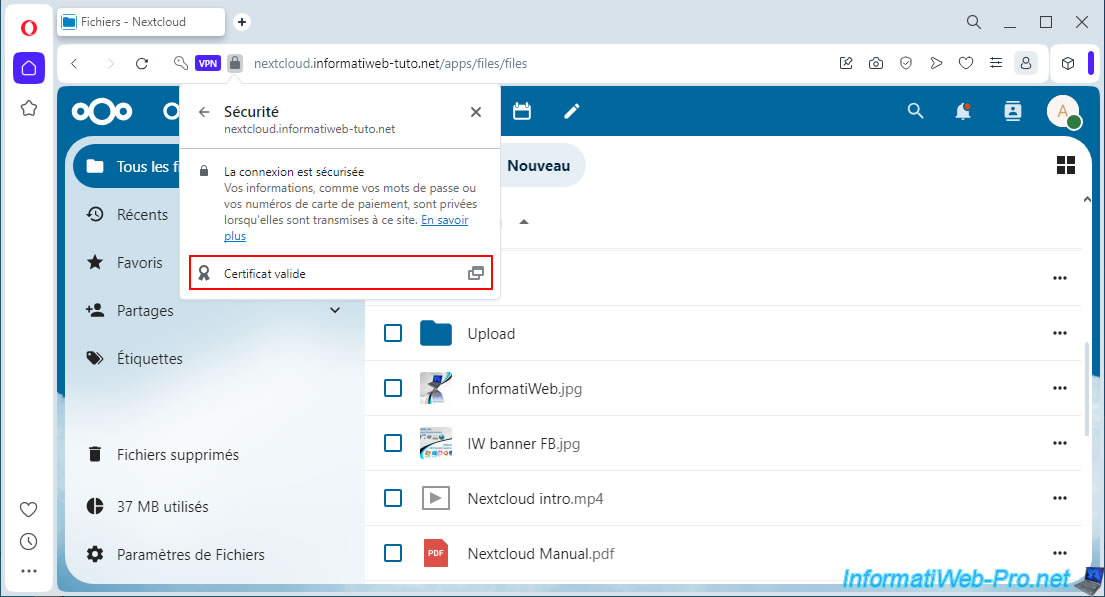
As you can see, the connection is secure for your Nextcloud server.
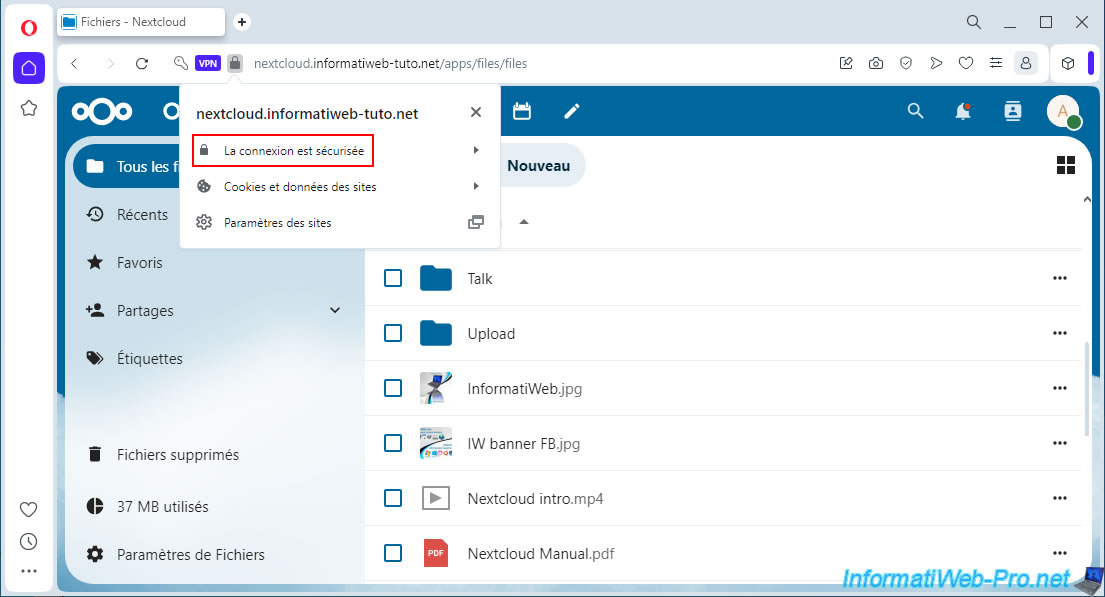
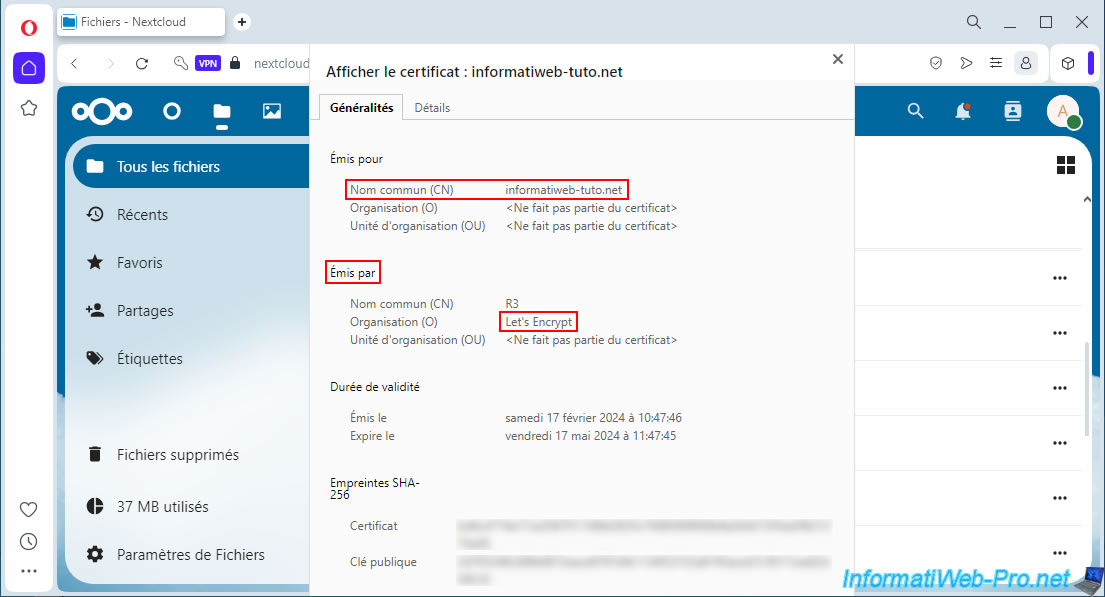
The certificate used is valid, since it is issued by a certification authority recognized by default by Windows computers.
More specifically, this one is issued (delivered) by: Let's Encrypt.
8. Share files from your Nextcloud server over the Internet
Now that your Nextcloud server is accessible from the Internet, you can share files with other Internet users, as we briefly explained in our previous tutorial: Unraid 6.9.2 - Docker - Install a file server (Nextcloud).
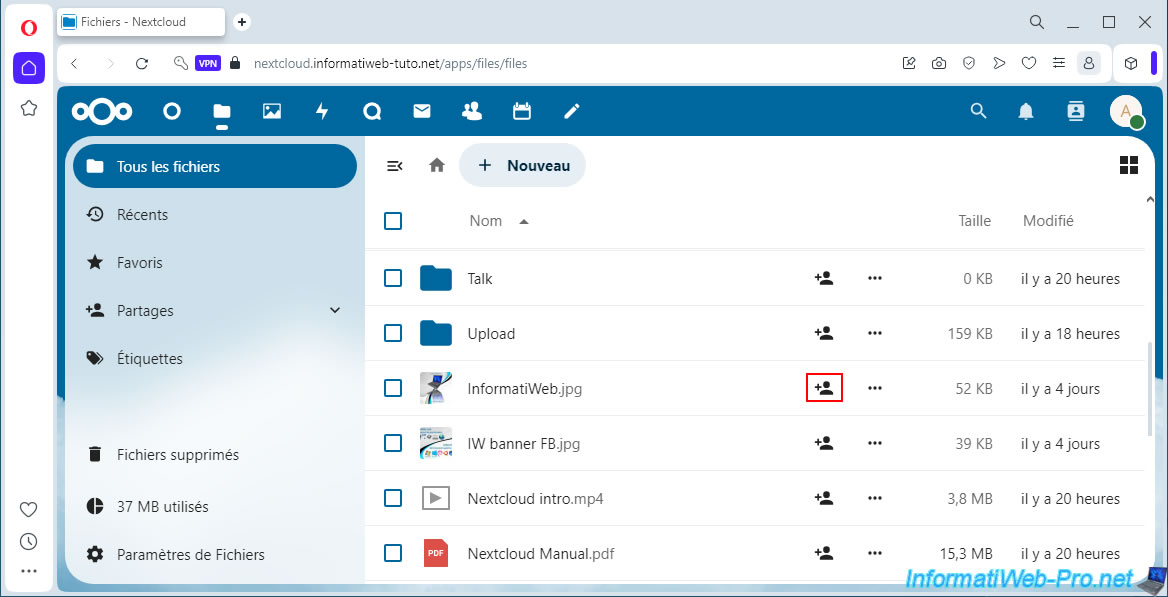
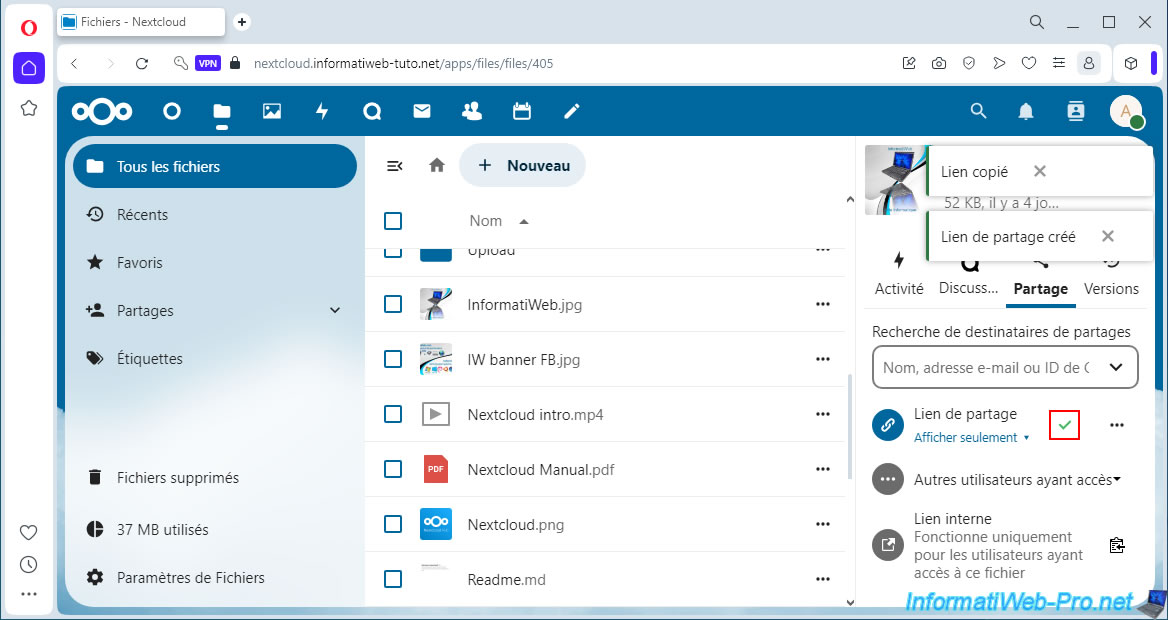
To share a file, click the share icon to the right of the desired file.
Then, click on the "+" icon located to the right of "Share Link".
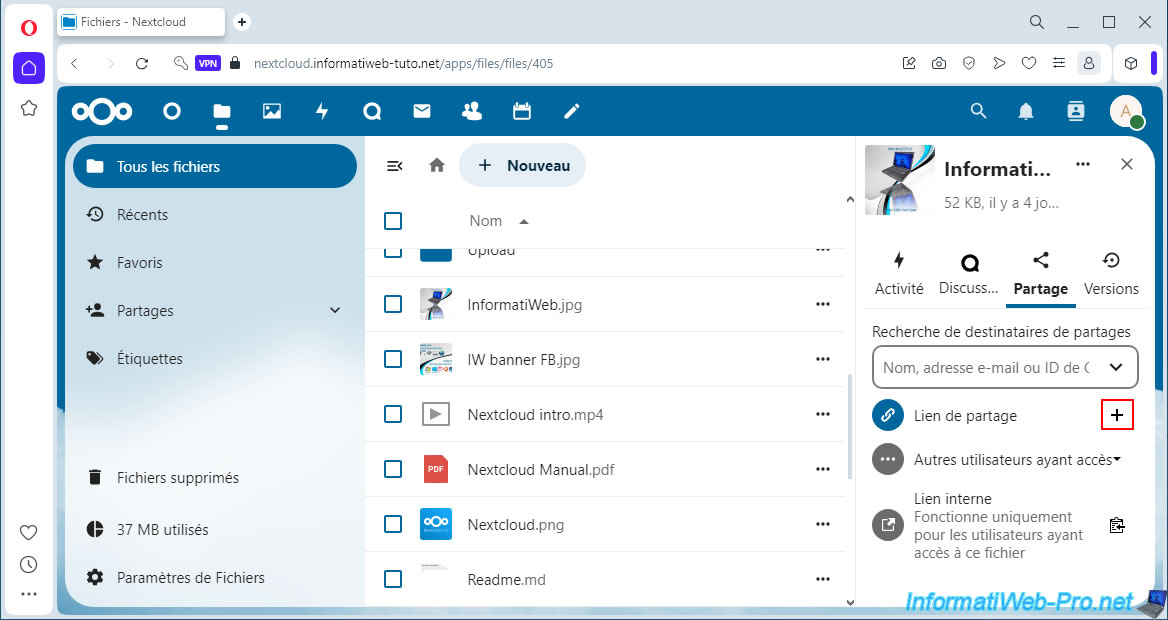
The sharing link is automatically created and copied to your computer's clipboard.
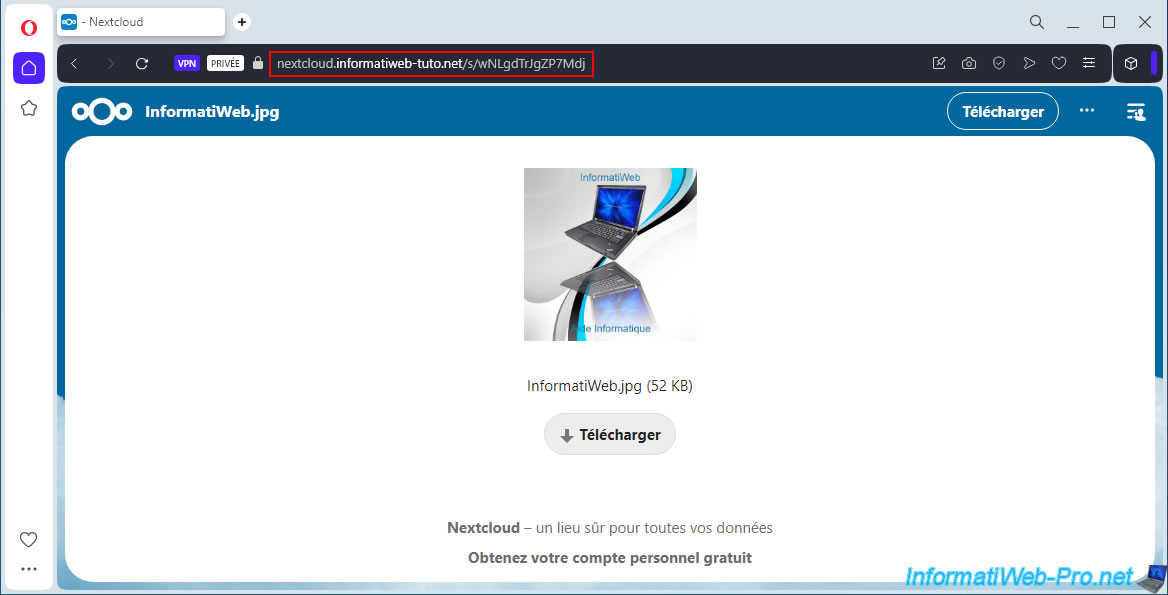
Paste this link into your web browser (in our case, Opera with VPN enabled) and you'll see that your domain name "nextcloud.[your domain]" is used.
This allows you to share your files with anyone with an internet connection.
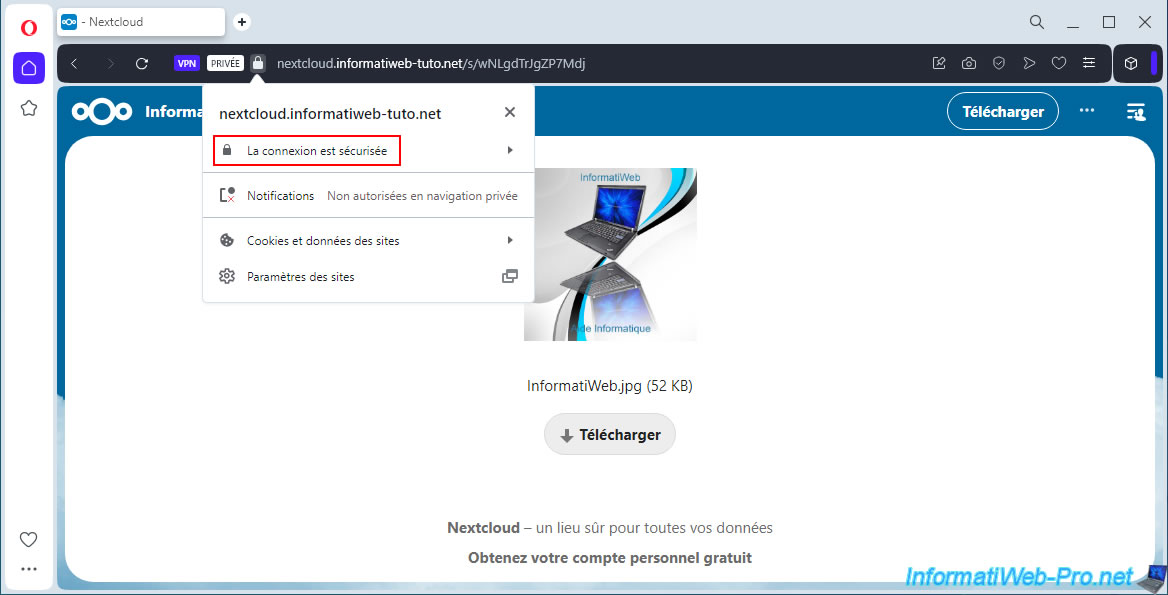
Again, the connection is secure.
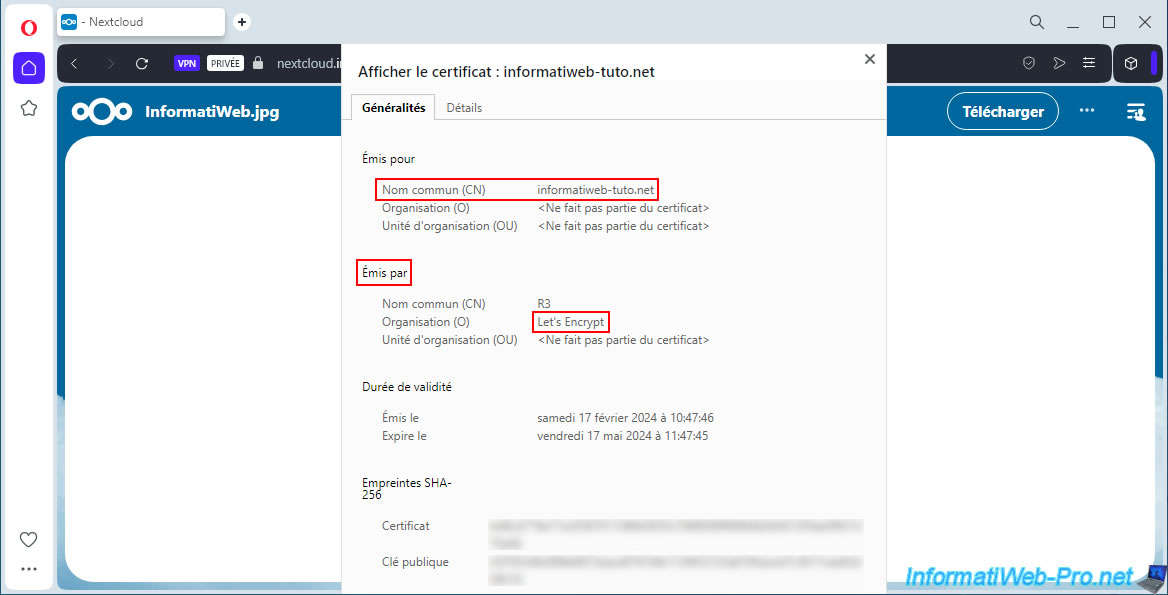
And the SSL certificate used is obviously the same.
9. Access Nextcloud locally via the swag reverse proxy
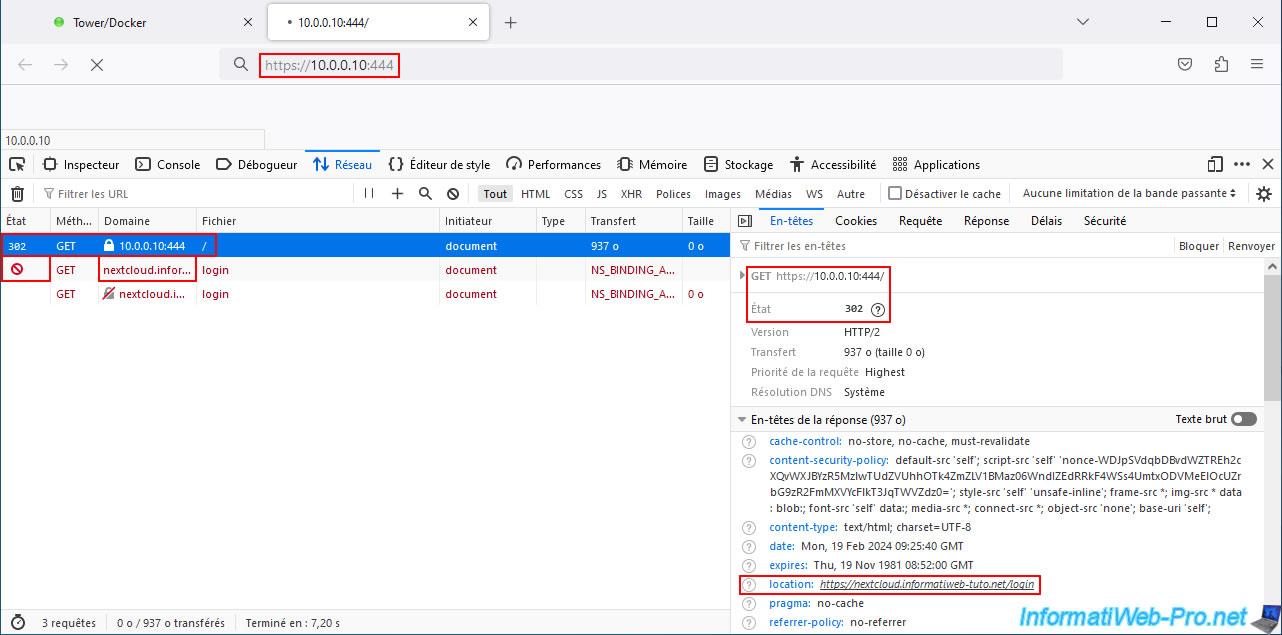
Once you've modified Nextcloud's configuration to allow access via the reverse proxy (swag), you'll notice that local access to Nextcloud will no longer work.
Indeed, if you click on your "nextcloud" container icon and click "WebUI," Nextcloud's local IP address will be used by your web browser, and nothing will be displayed.
If you open your web browser's web development tools and try to access this local address again, you'll see that Nextcloud attempts to redirect you to your "nextcloud.[your domain]" domain (in our case: nextcloud.informatiweb-tuto.net).
However, this points to your external IP address, and you cannot access your external IP address (the one assigned by your ISP to your box or router) from your own local network (as explained previously in step 7 of this tutorial).
To do this, follow our tutorial: Unraid 6.9.2 - SWAG - Locally access the reverse proxy (SWAG).
Then come back here and you'll get this.
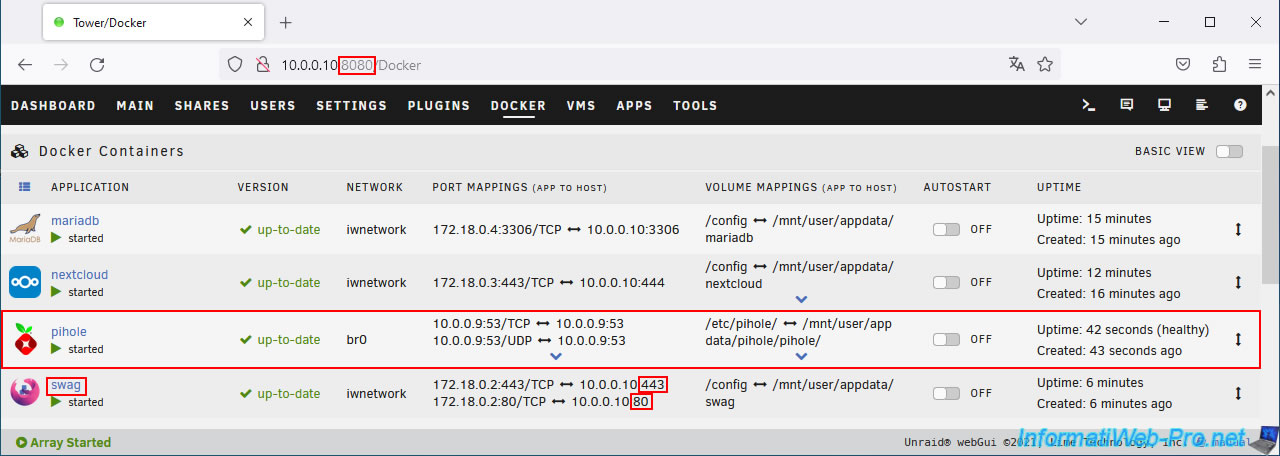
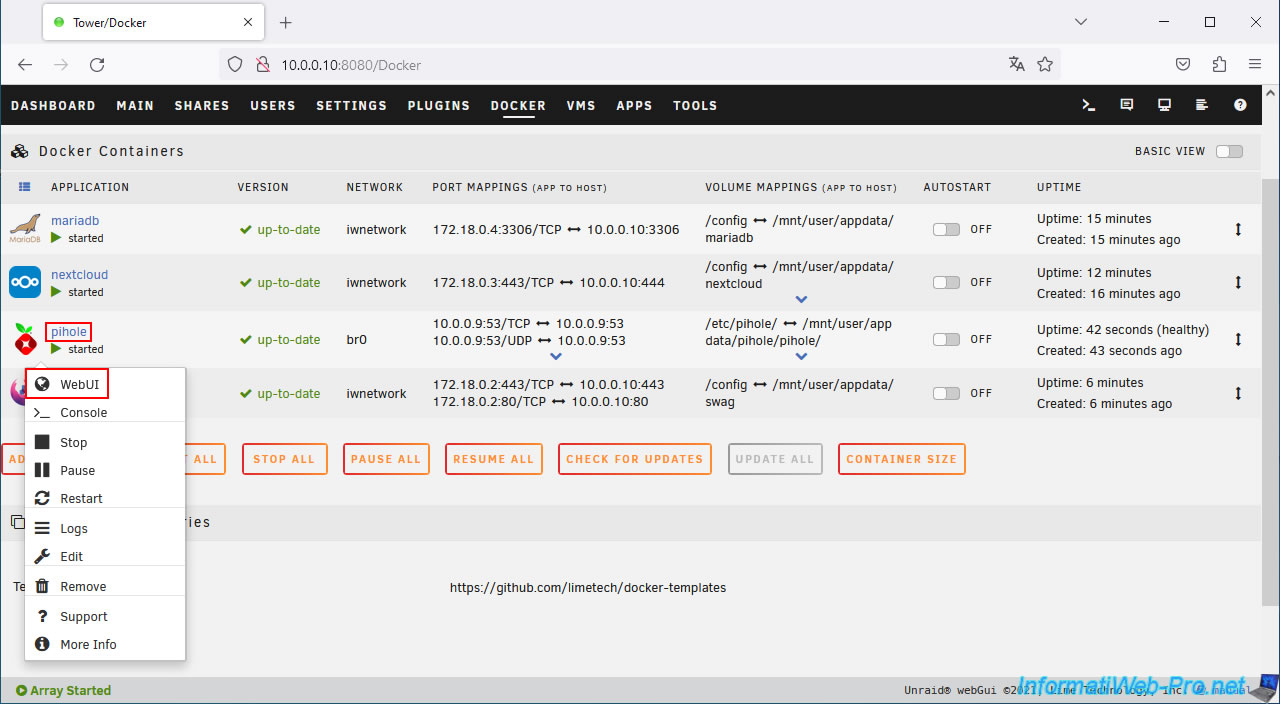
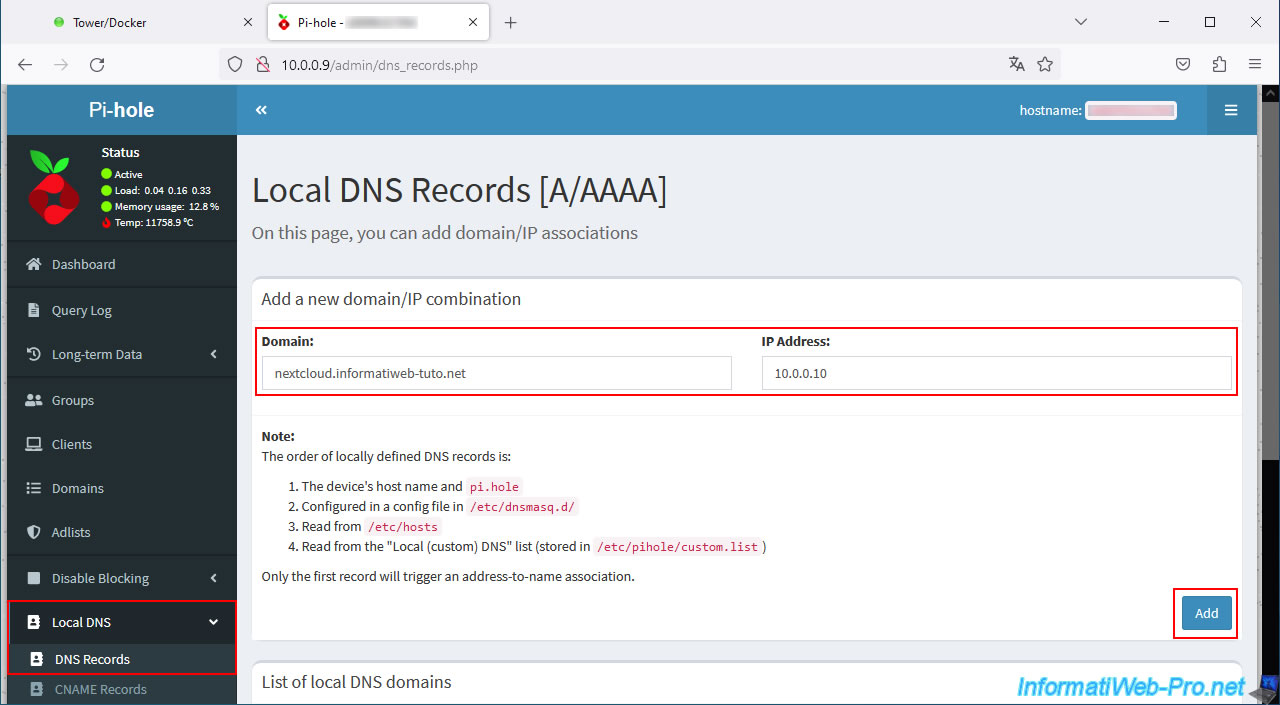
Adjust your "pihole" DNS server configuration by clicking on the pihole icon, then on: WebUI.
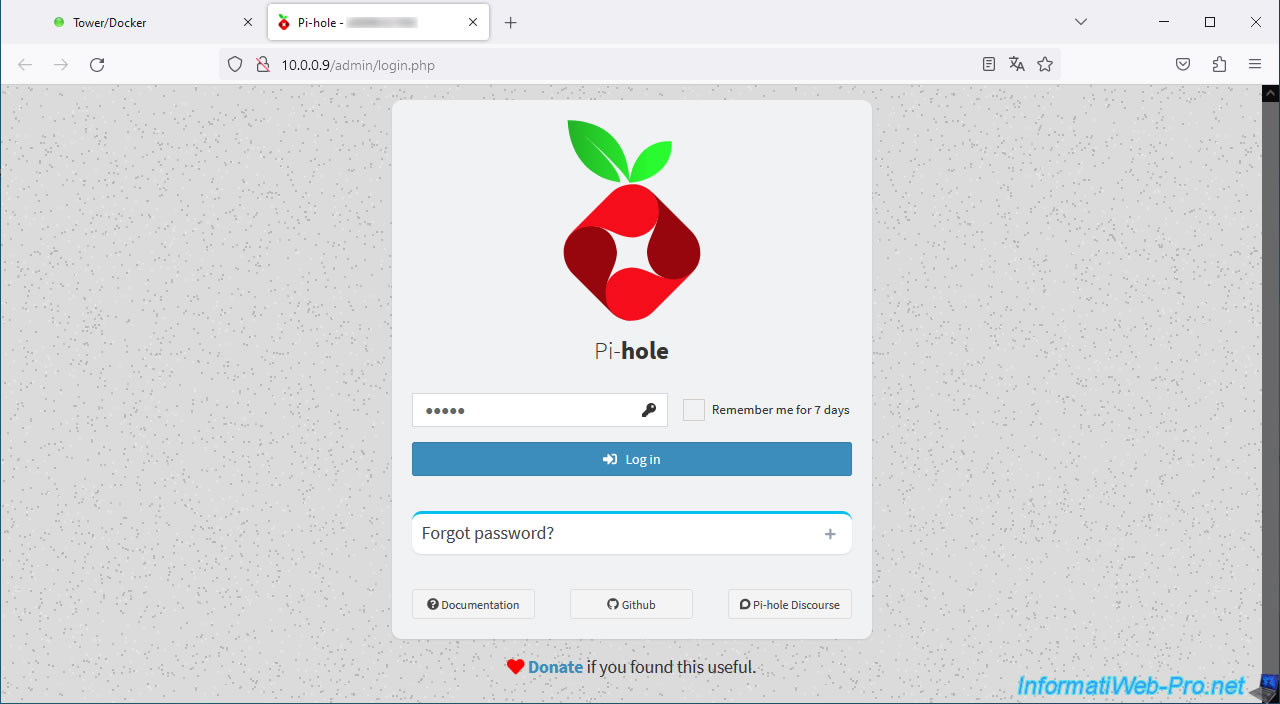
Log in to pihole.
Note: the default password is "admin".
In the Pi-hole web interface, go to Local DNS -> DNS Records.
Enter:
- Domain : nextcloud.informatiweb-tuto.net
- IP Address : 10.0.0.10 (which corresponds to the LAN IP address of your Unraid server).
Then, click on: Add.
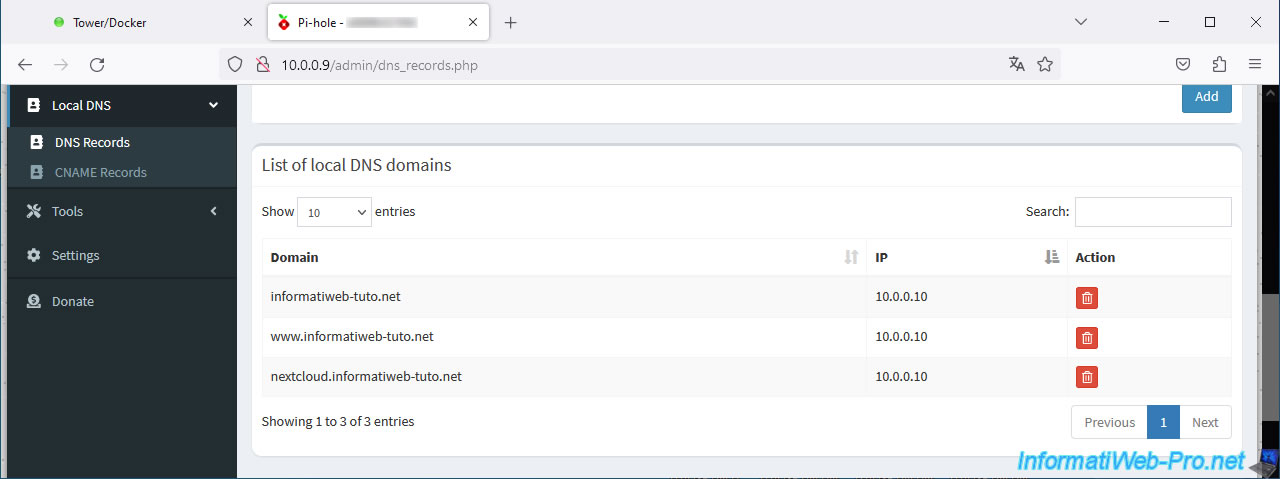
Your domain "nextcloud.[your domain]" appears in the "List of local DNS domains" list.
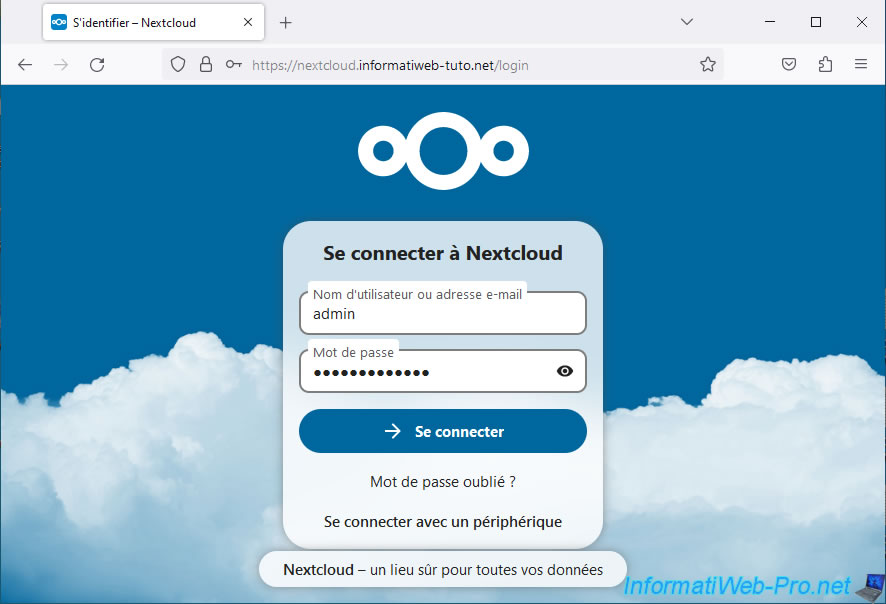
Now, you will be able to access the Nextcloud web interface locally from any web browser (without having to use a VPN connection as was the case previously in this tutorial).
As you can see, Nextcloud is working fine.
Share this tutorial
To see also
-

NAS 1/15/2026
Unraid 6.9.2 - Change the parity disk
-
NAS 4/15/2026
Unraid 6.9.2 - Docker - Install a file server (Nextcloud)
-

NAS 1/28/2026
Unraid 6.9.2 - Replace the parity disk
-
NAS 6/10/2026
Unraid 6.9.2 - SWAG - Access Jellyfin via reverse proxy and personal domain
No comment