Create a virtual machine (VM) on Unraid 6.9.2
- NAS
- Unraid
- 15 July 2026 at 16:20 UTC
-

- 2/3

5. Install guest operating system (Windows 10)
As expected, the virtual machine started automatically.
If not, click its icon, then click Start.
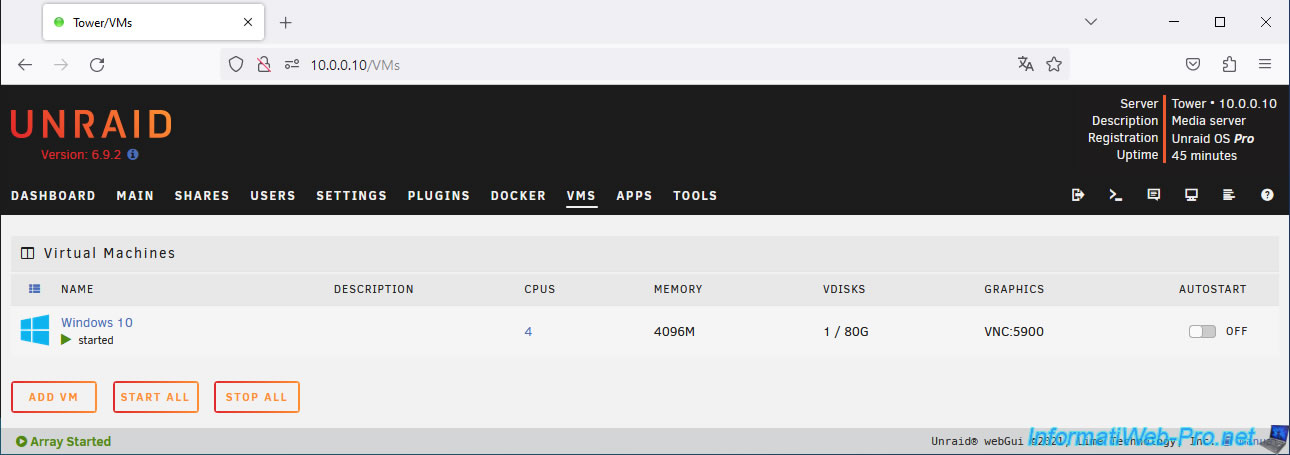
A window will appear with the console of your new virtual machine (if your web browser doesn't block pop-ups).
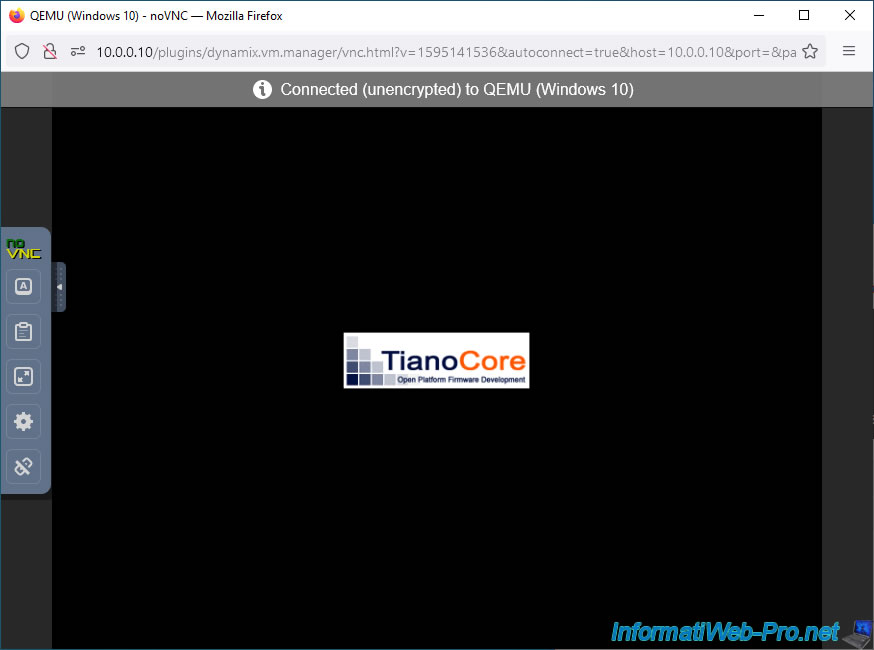
If you boot this virtual machine in UEFI mode, you will briefly see the "TianoCore" logo.
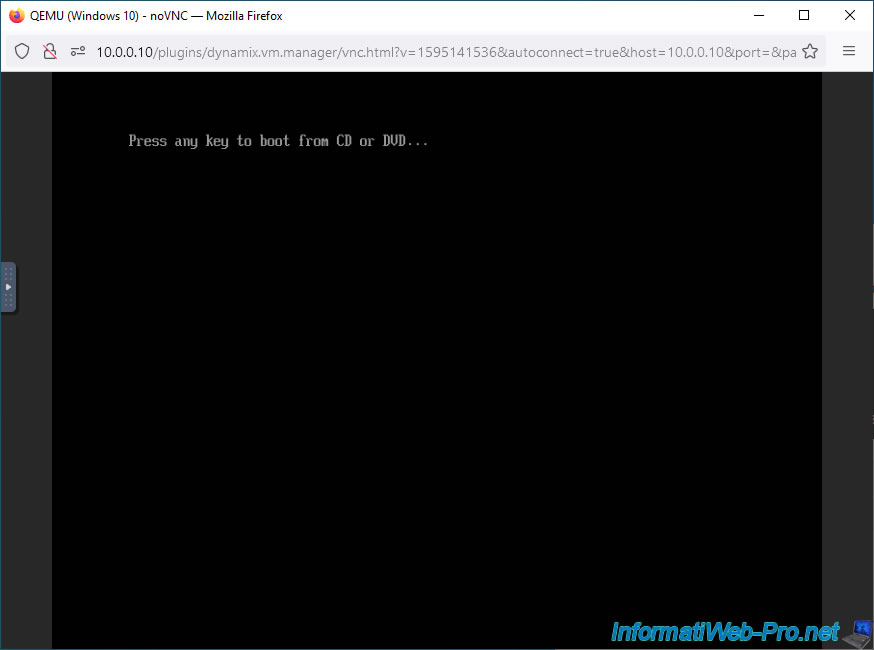
Then, if a message appears asking you to press a key to boot from the CD or DVD, press Enter to boot from the Windows installation DVD (in our case).
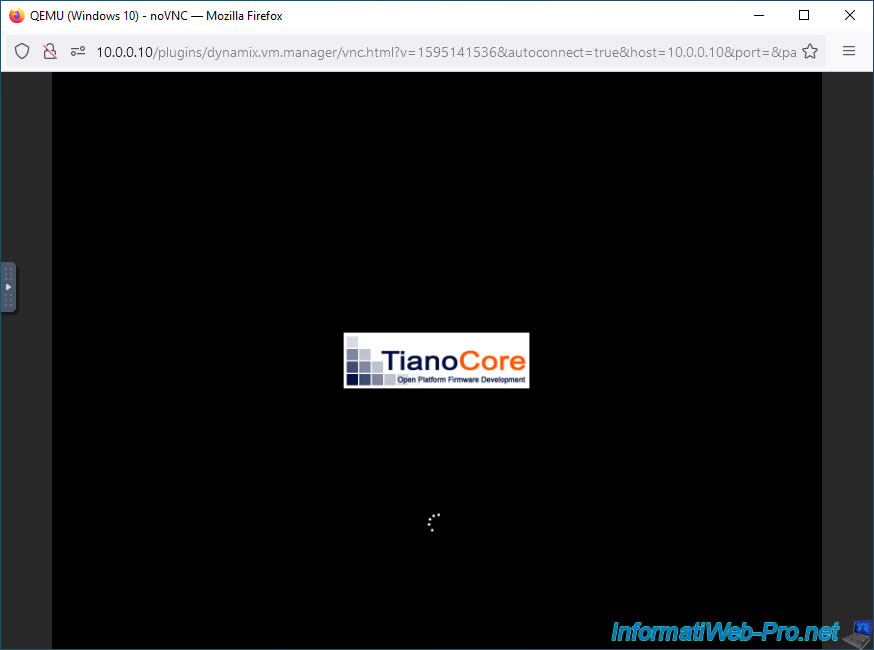
If the virtual machine boots in UEFI mode from the Windows installation DVD, you will see the "TianoCore" logo and loading icon again.
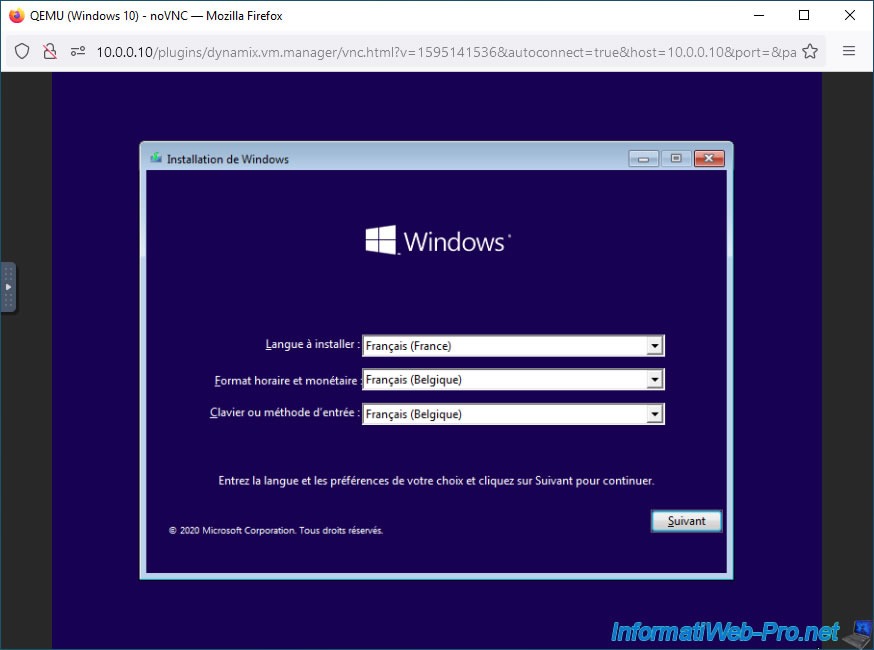
The Windows installer will then appear.
Choose your language and country, then click Next.
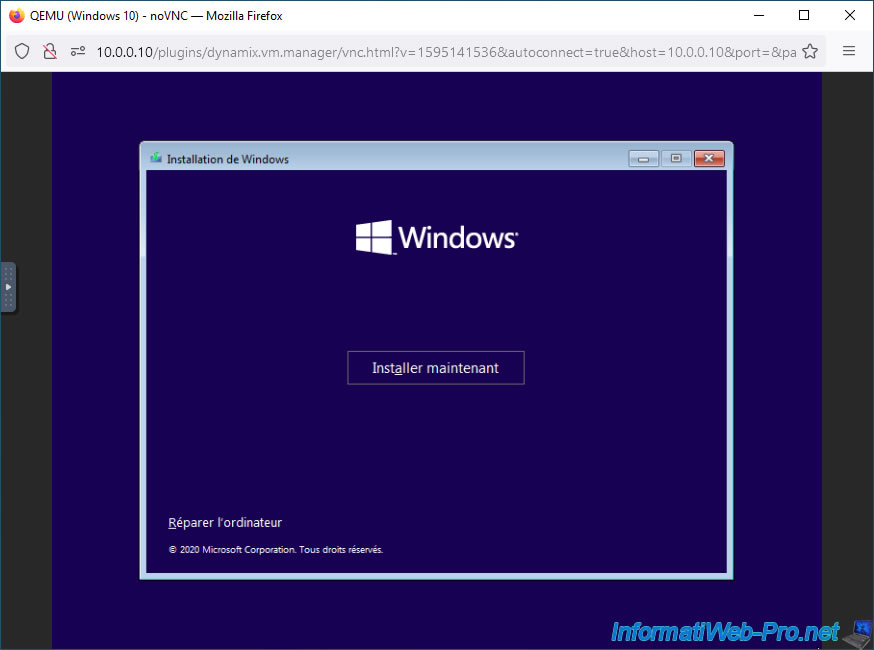
Click on: Install now.
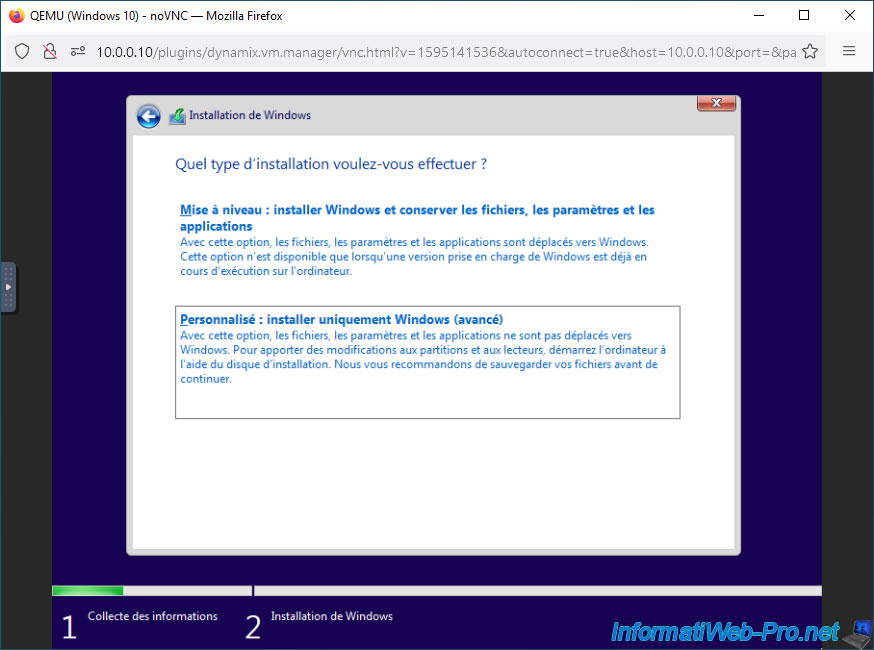
Click "Custom: Install Windows only (advanced)".
By default, your virtual machine's virtual hard disk is connected to a "VirtIO" controller (bus).
However, the Windows 10 installer does not recognize this type of storage controller by default.
Hence, no disk appears and the warning below is displayed.
Plain Text
We couldn't find any drives. To get a storage driver, click Load Driver.
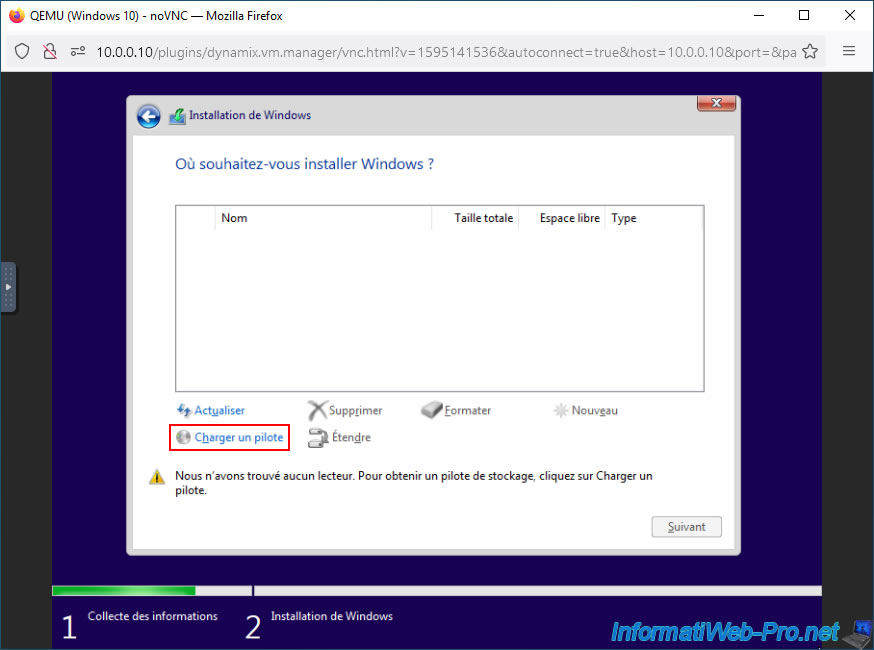
In the "Load Driver" window that appears, click the "Browse" button.
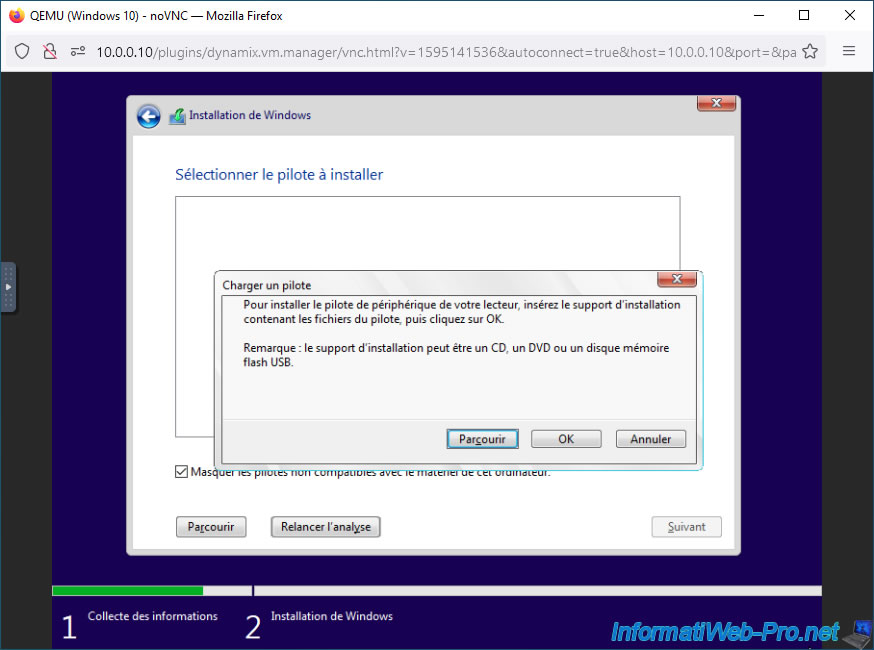
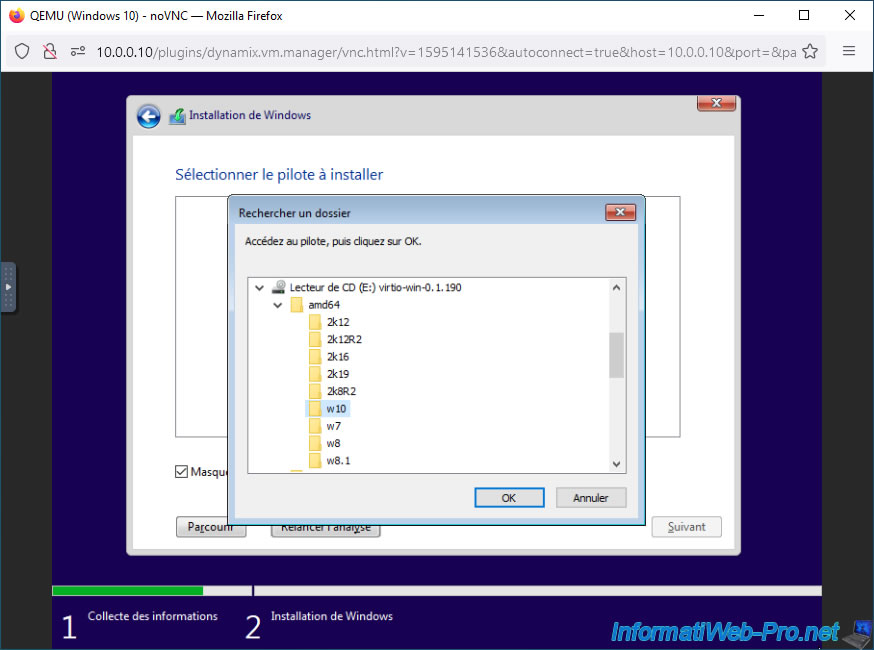
Go to "CD Drive (E:) virtio-win-x.x.xx -> amd64" (for 64-bit Windows) and select your version of Windows (in our case "w10" for Windows 10).
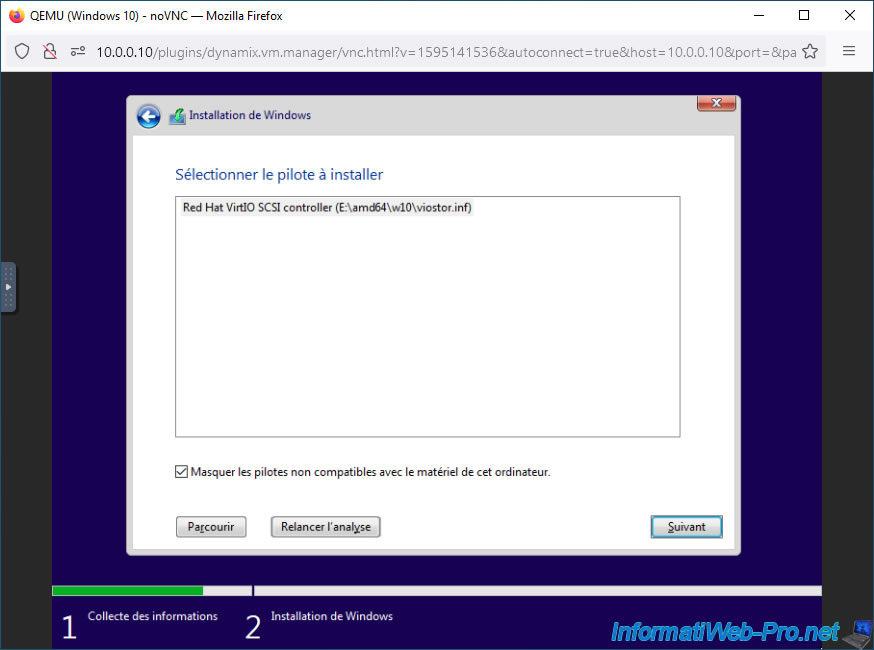
Select the detected "Red Hat VirtIO SCSI controller" driver (whose driver configuration file is located in the "E:\amd64\w10\vistor.conf" file in our case) and click "Next".
Please wait while this driver loads.
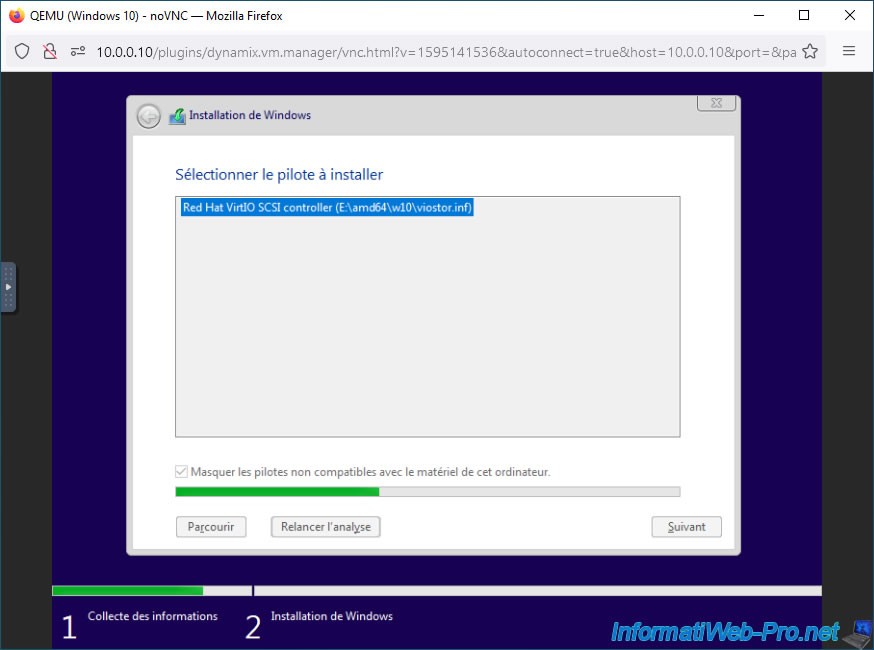
Once the VirtIO driver is loaded, your virtual hard drive will appear.
Partition it if desired. Otherwise, simply select the unallocated space displayed and click Next.
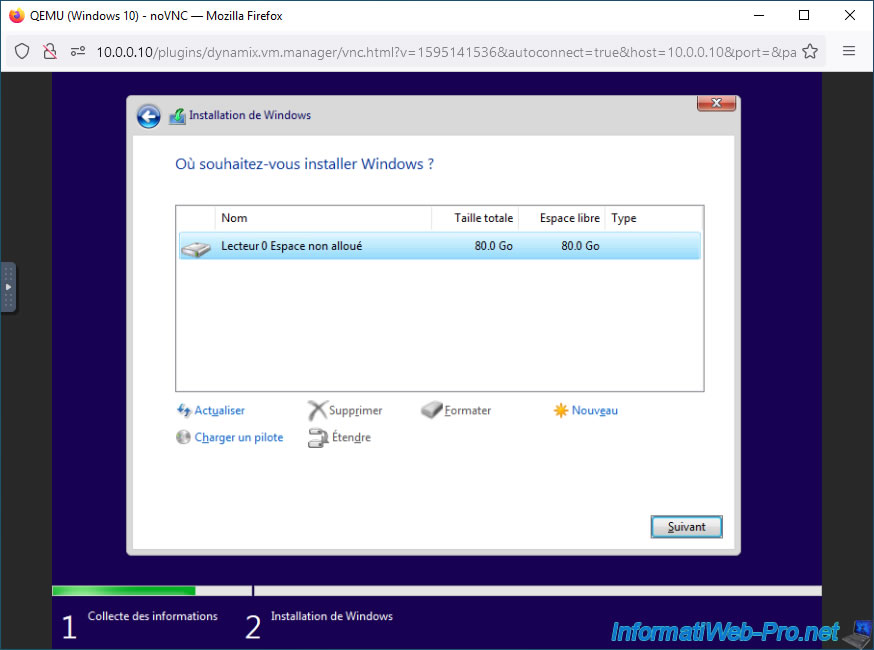
Please wait while Windows installs.
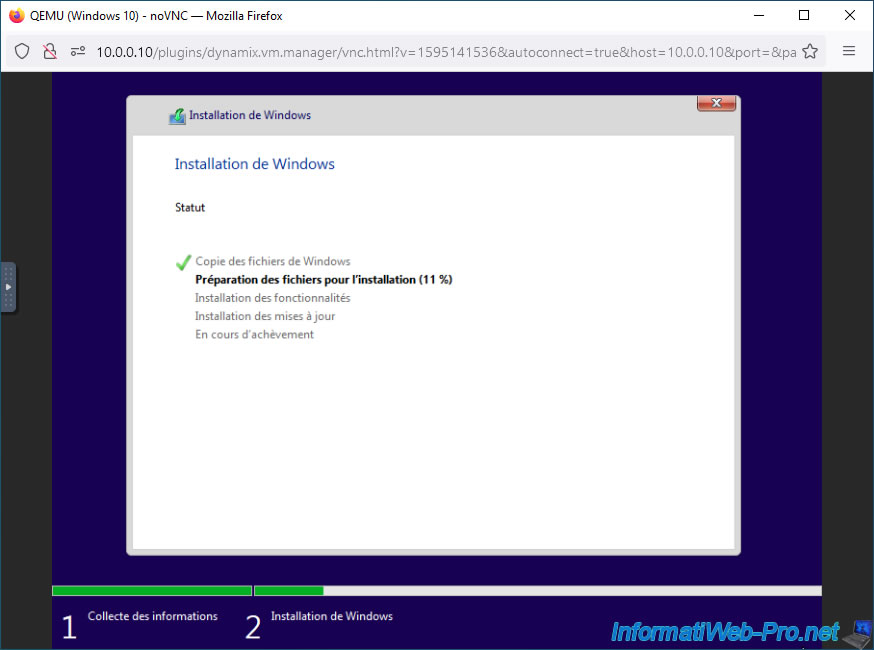
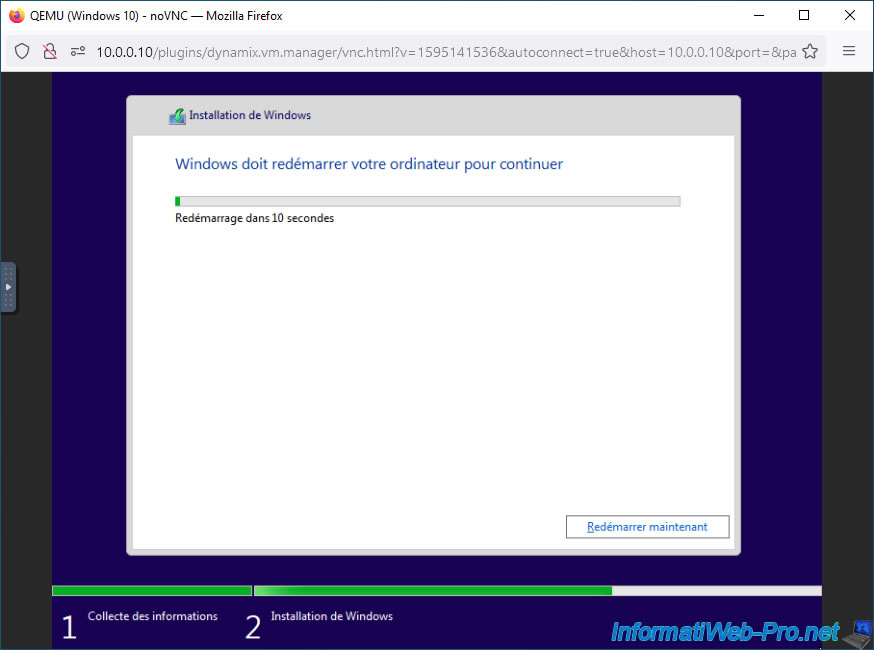
During installation, your virtual machine will reboot once.
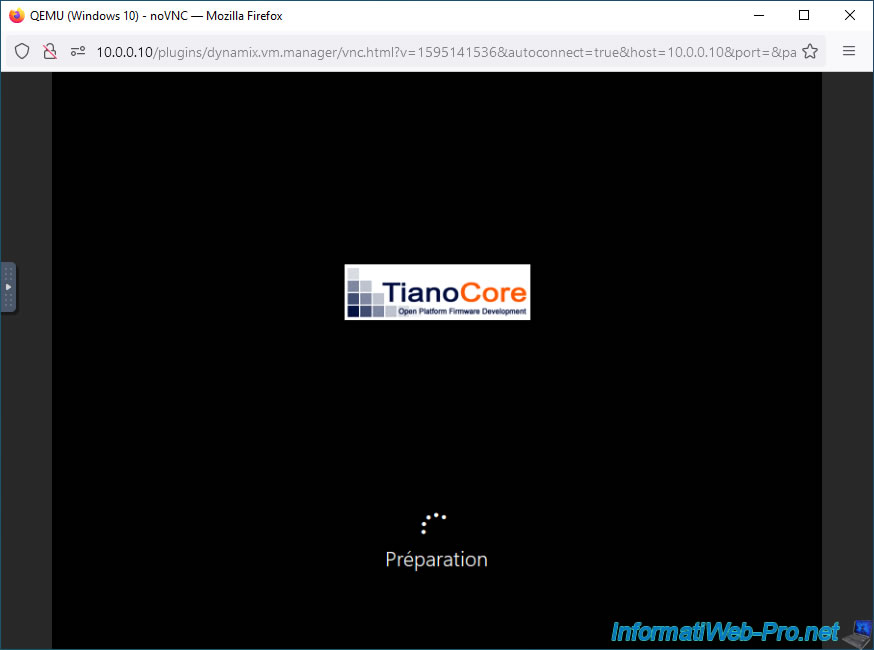
The TianoCore logo reappears at startup (if the virtual machine uses UEFI firmware) and Windows 10 configuration is performed automatically.
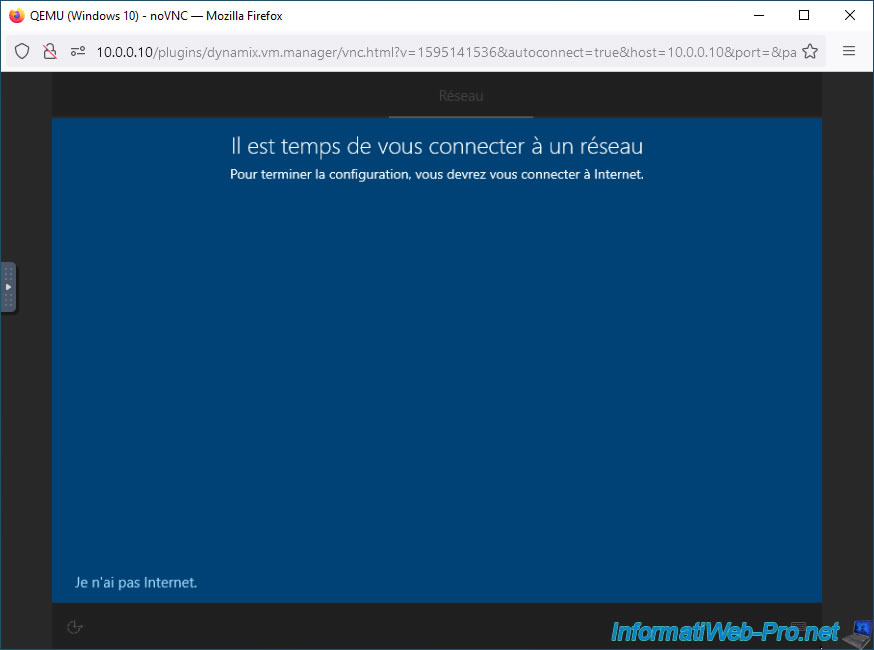
Among the Windows 10 setup steps, you'll see this one indicating that you don't have network access.
This is normal, as Windows 10 doesn't know about VirtIO devices, which include your virtual machine's Ethernet controller.
Click the "I don't have internet" link available at the bottom left of the screen at the moment.
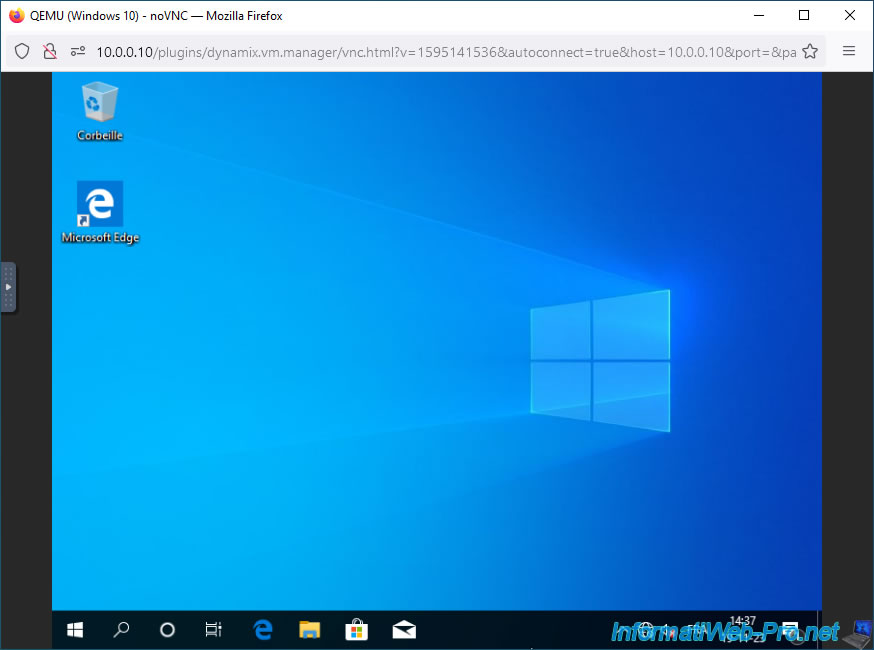
Windows is installed.
Share this tutorial
To see also
-
NAS 1/30/2026
Unraid 6.9.2 - Create shares (network / user)
-
NAS 6/17/2026
Unraid 6.9.2 - SWAG - Access Nextcloud via reverse proxy and personal domain
-
NAS 9/2/2026
Unraid 6.9.2 - VMs - Create a gaming virtual machine (accessible via Parsec)
-
NAS 9/9/2026
Unraid 6.9.2 - VMs - Create a gaming virtual machine (without ACS support)
No comment