Install the free office suite (Collabora CODE) for Nextcloud on Unraid 6.9.2
- NAS
- Unraid
- 24 June 2026 at 07:56 UTC
-

- 6/6

11. Collabora Online works from the Nextcloud web interface
Go back to the Nextcloud web interface and go to the "Office templates" folder.
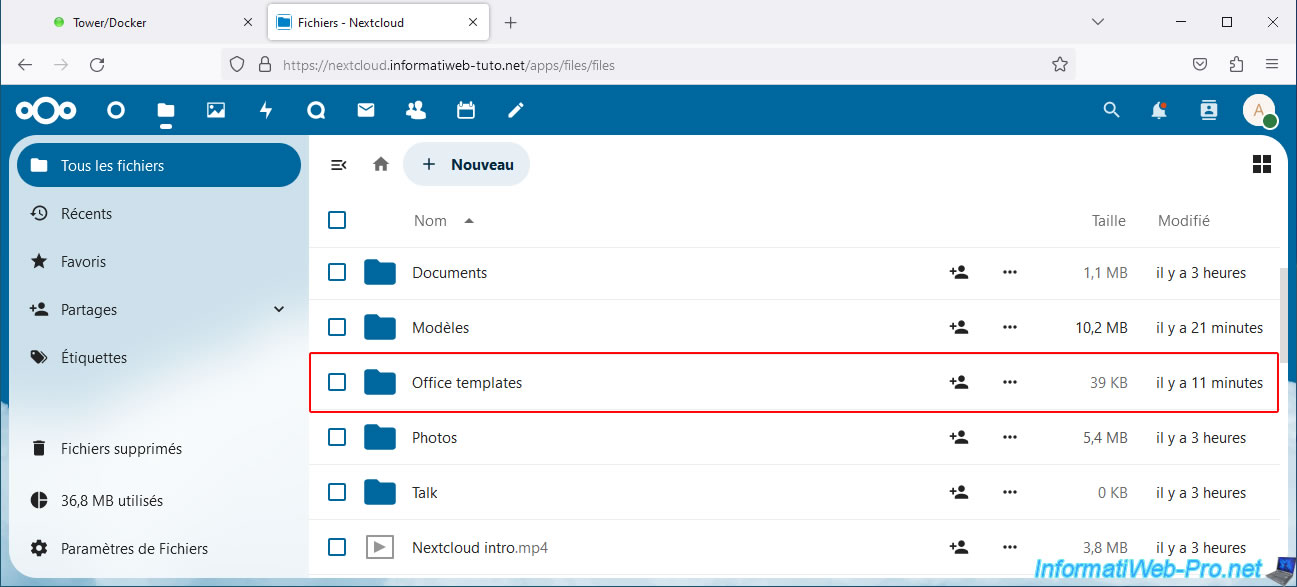
Try opening an Office file.
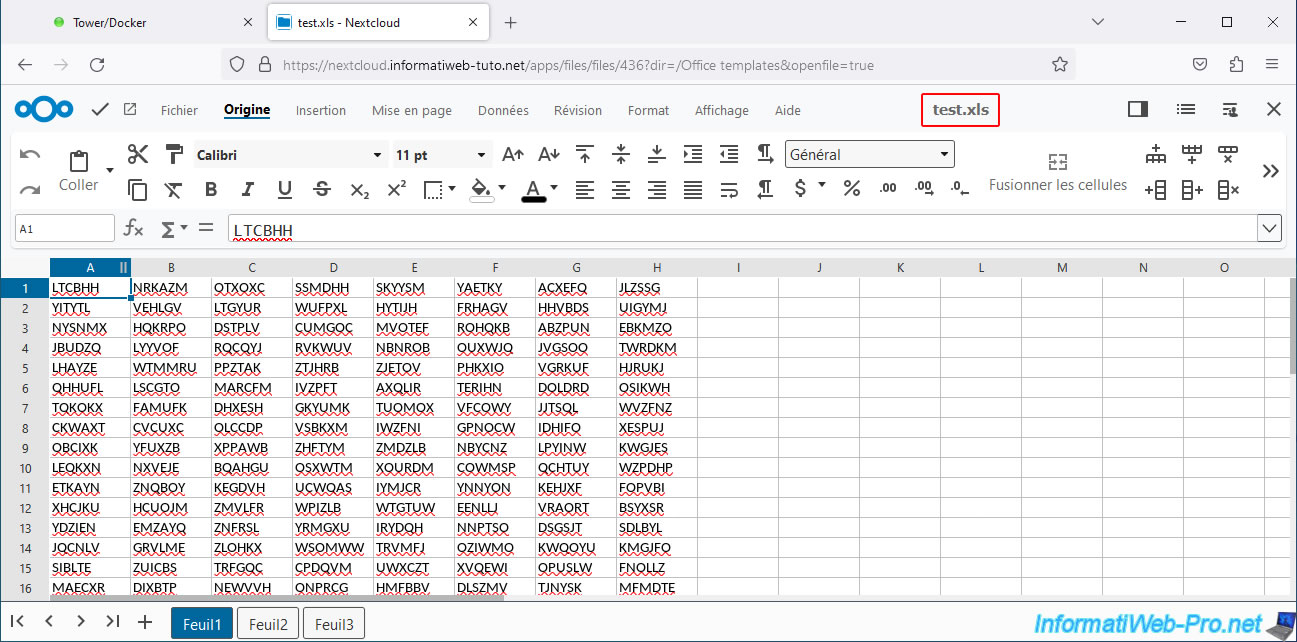
In our case, our "test.xls" file (created using Excel).
Please wait a few seconds while the desired file loads.
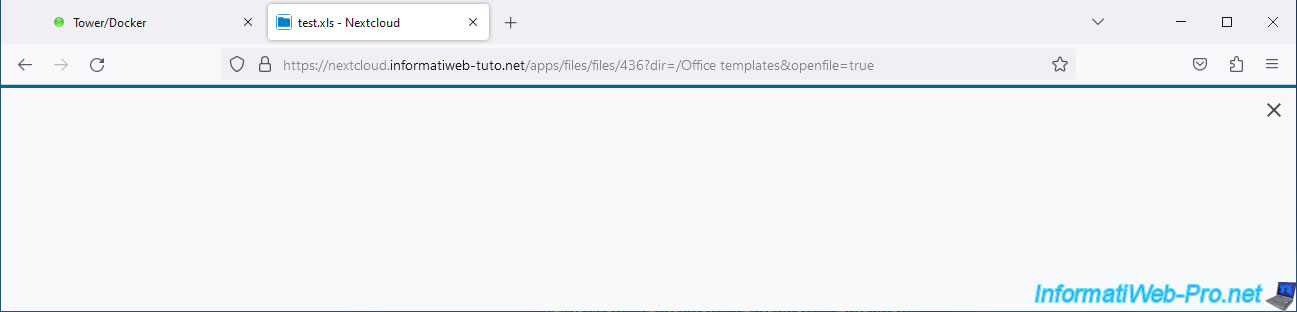
The Collabora Online Developer Edition (= Collabora CODE) interface will then appear.
Click the cross in the top right corner to close this pop-up.
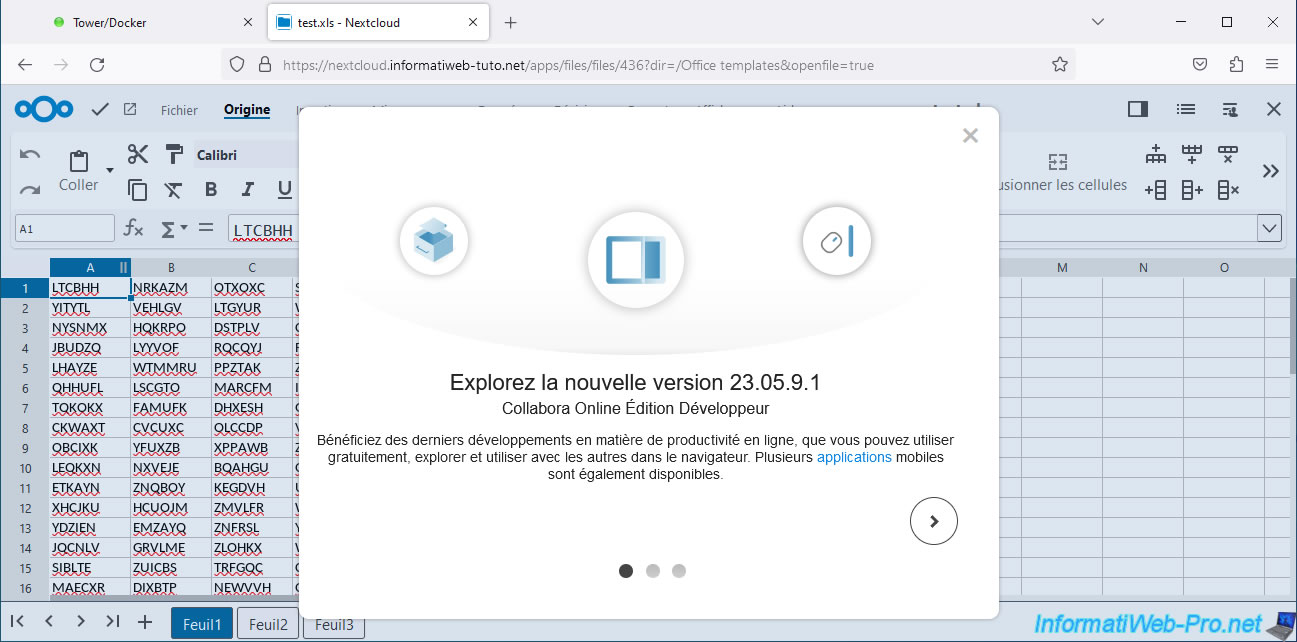
As you can see, our Excel file saved in the old format (.xls) is opened without any problem by Collabora Online.
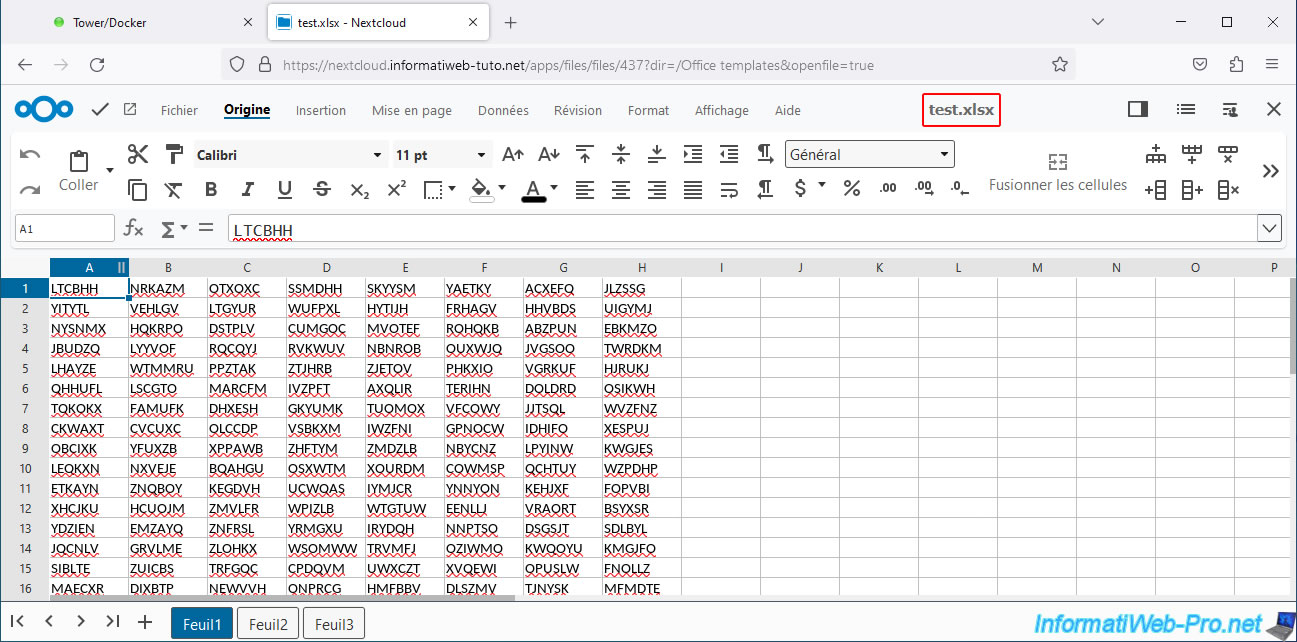
The Excel file saved with the new format (.xlsx) is also functional on Collabora Online.
12. Create new office files via Nextcloud Office and Collabora Online
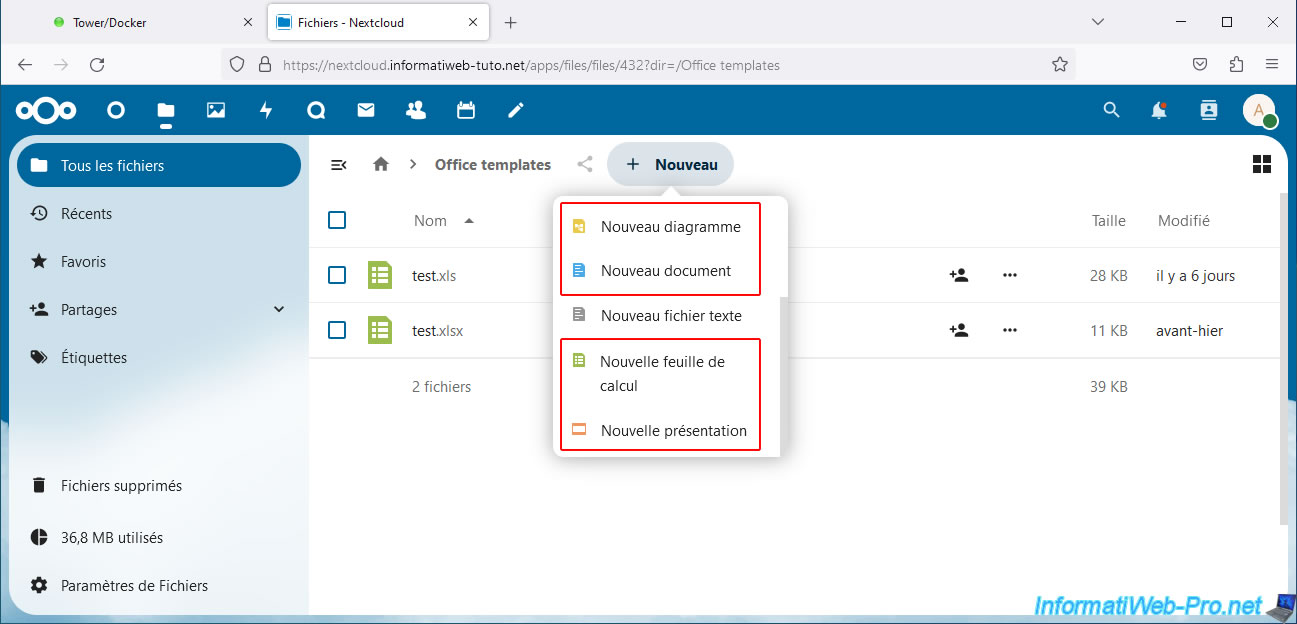
Now that your Nextcloud server, its Nextcloud Office application, and your Collabora Online server are installed and configured correctly, you'll see that you can create new office files from the Nextcloud "New" menu.
For example:
- New Diagram: to create diagrams (schematics) that you could create with LibreOffice Draw or Microsoft Visio.
- New Document: to create documents that you could create with LibreOffice Writer or Microsoft Word.
- New Spreadsheet: to create tables that you could create with LibreOffice Calc or Microsoft Excel.
- New Presentation: to create tables that you could create with LibreOffice Impress or Microsoft PowerPoint.
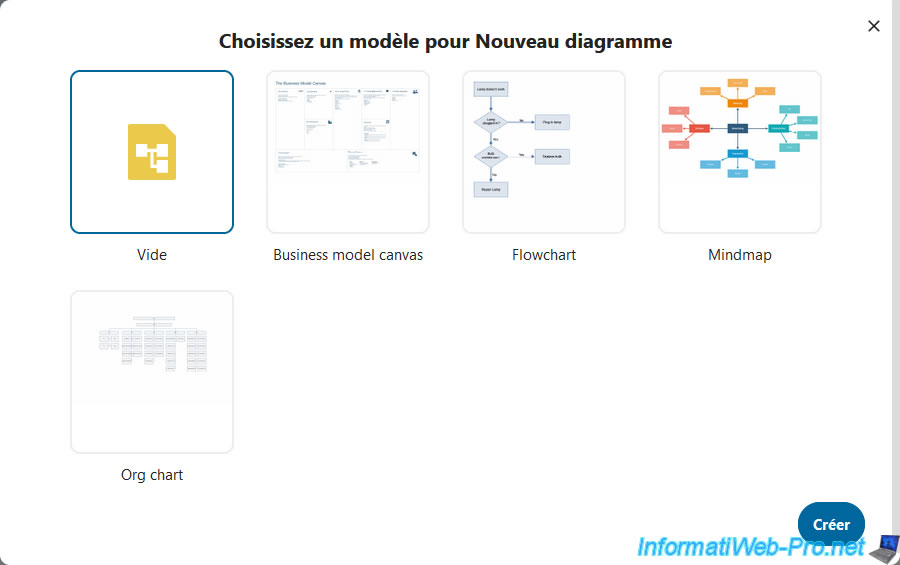
If you click "New Diagram," you'll have the following options: Blank, Business Model Canvas, Flowchart, etc.
Choose the desired template, then click Choose.
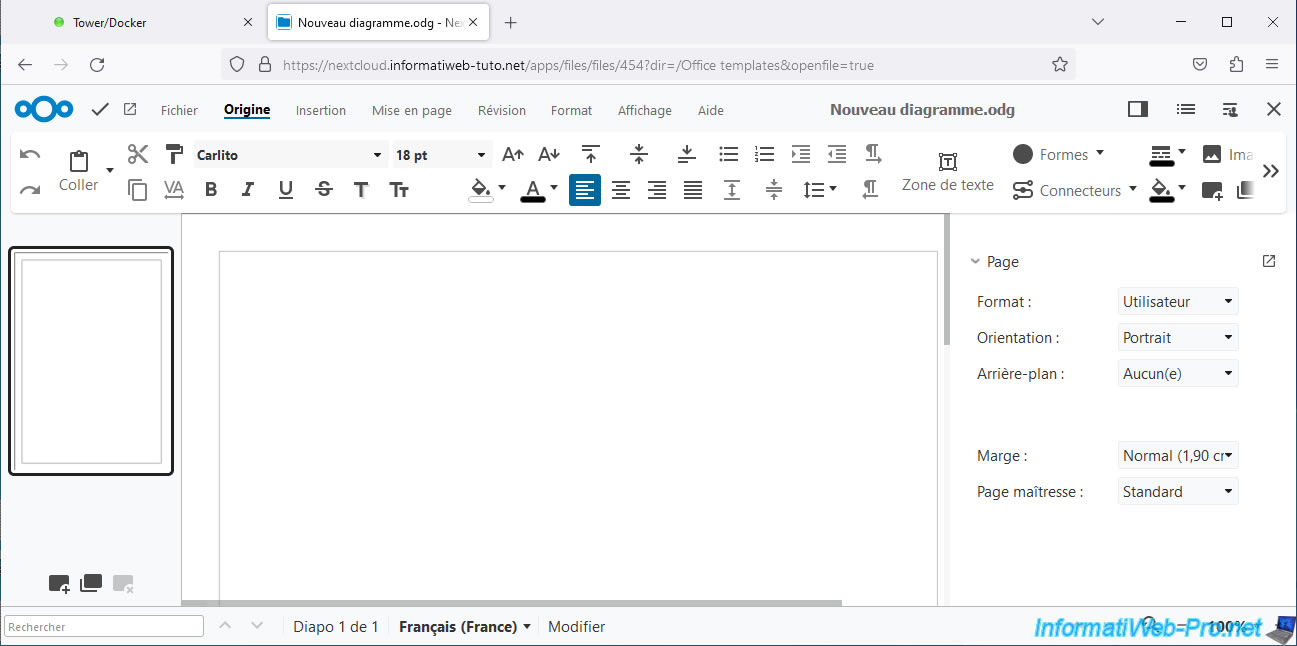
This is what Collabora Draw looks like for creating diagrams (schematics).
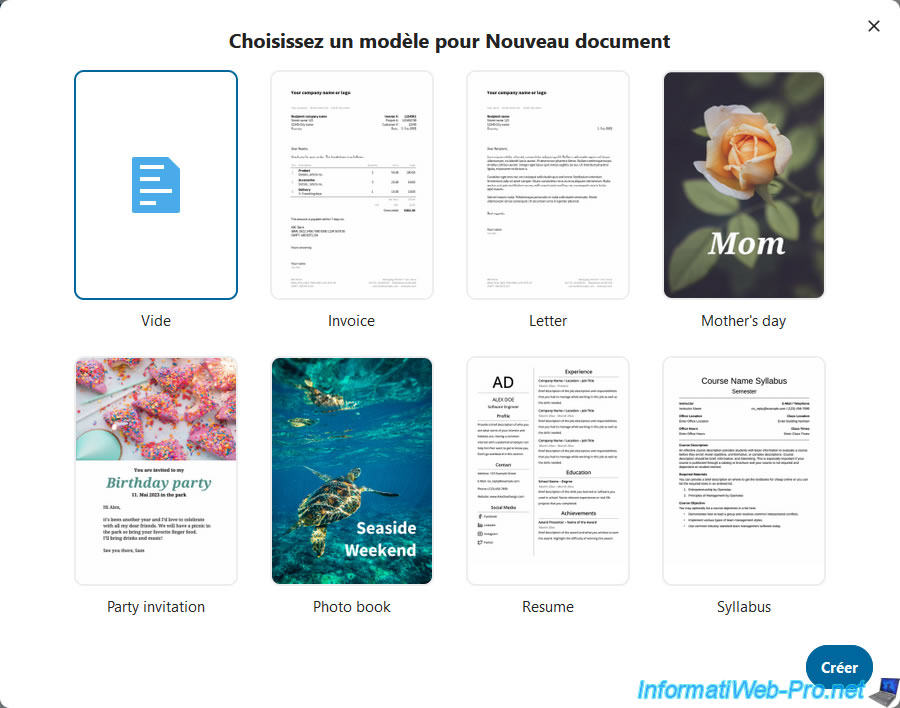
If you click on "New document", you will have the choice between: Empty, Invoice, Letter, ...
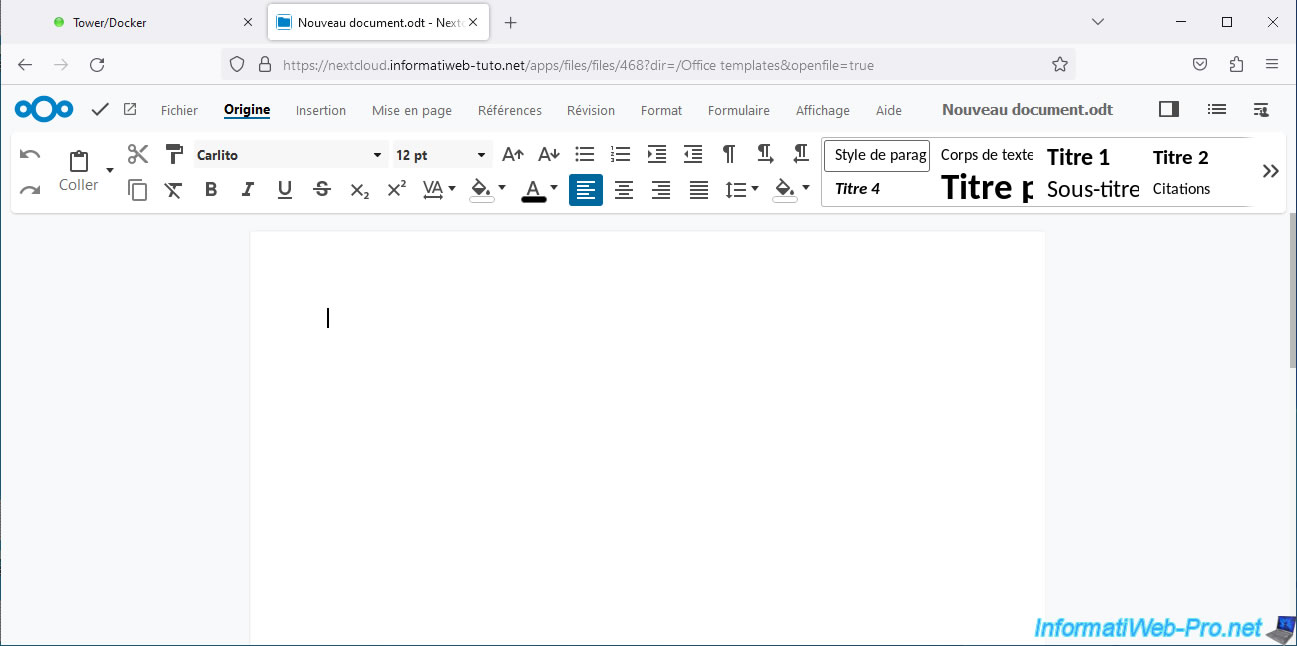
This is what Collabora Writer looks like.
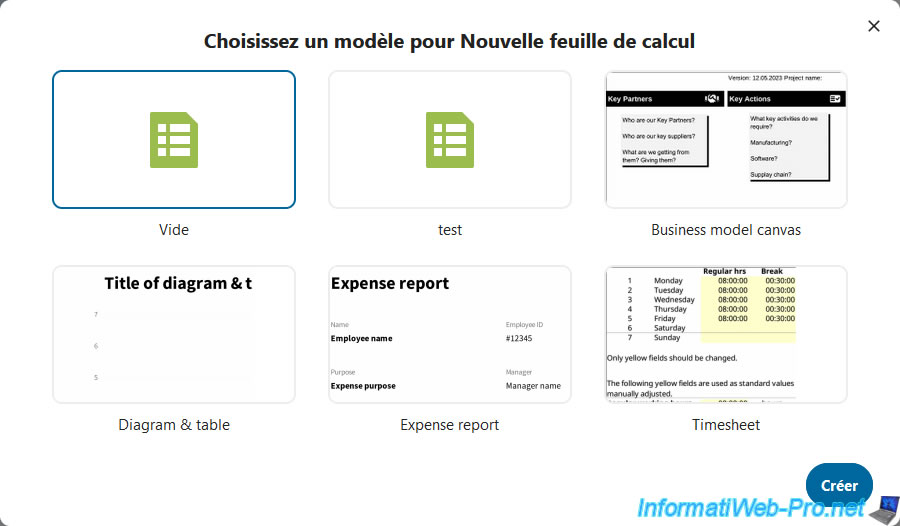
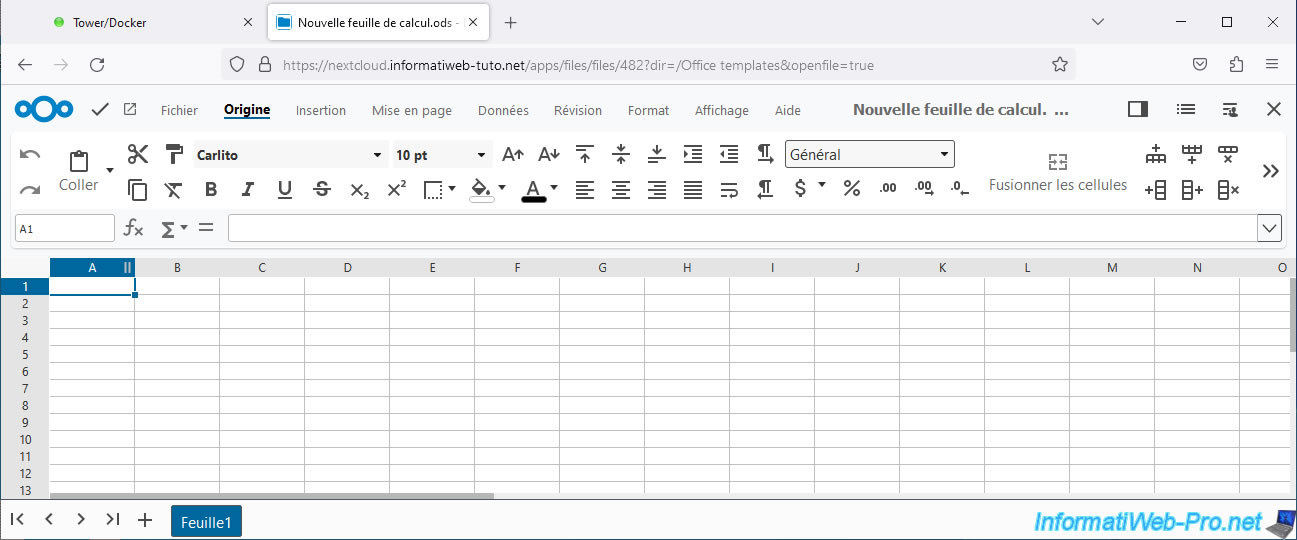
If you click "New Spreadsheet," you'll have the following options: Blank, Business Model Canvas, Diagram & Table, ...
Note that the files in the "Office Templates" folder you created earlier will also appear as templates.
This is what creating tables looks like with Collabora Calc.
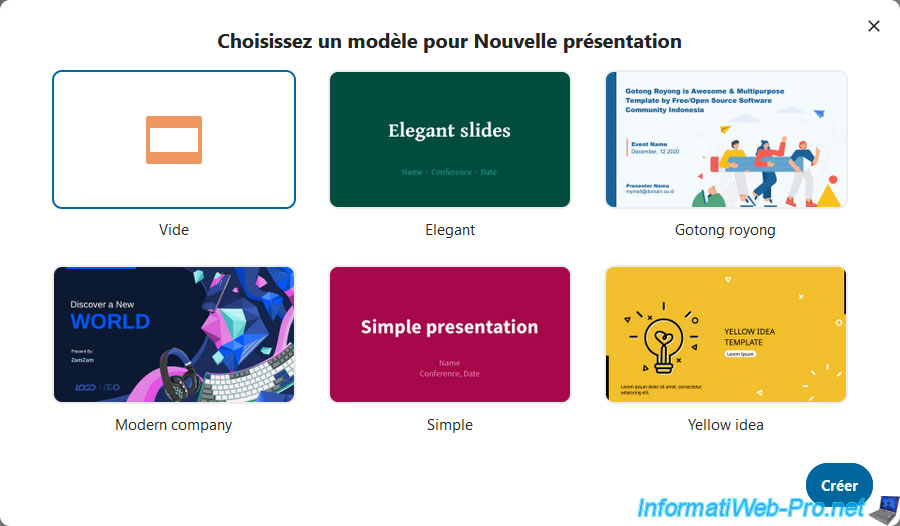
If you click on "New presentation", you will have the choice between: Empty, Elegant, Gotong royong, ...
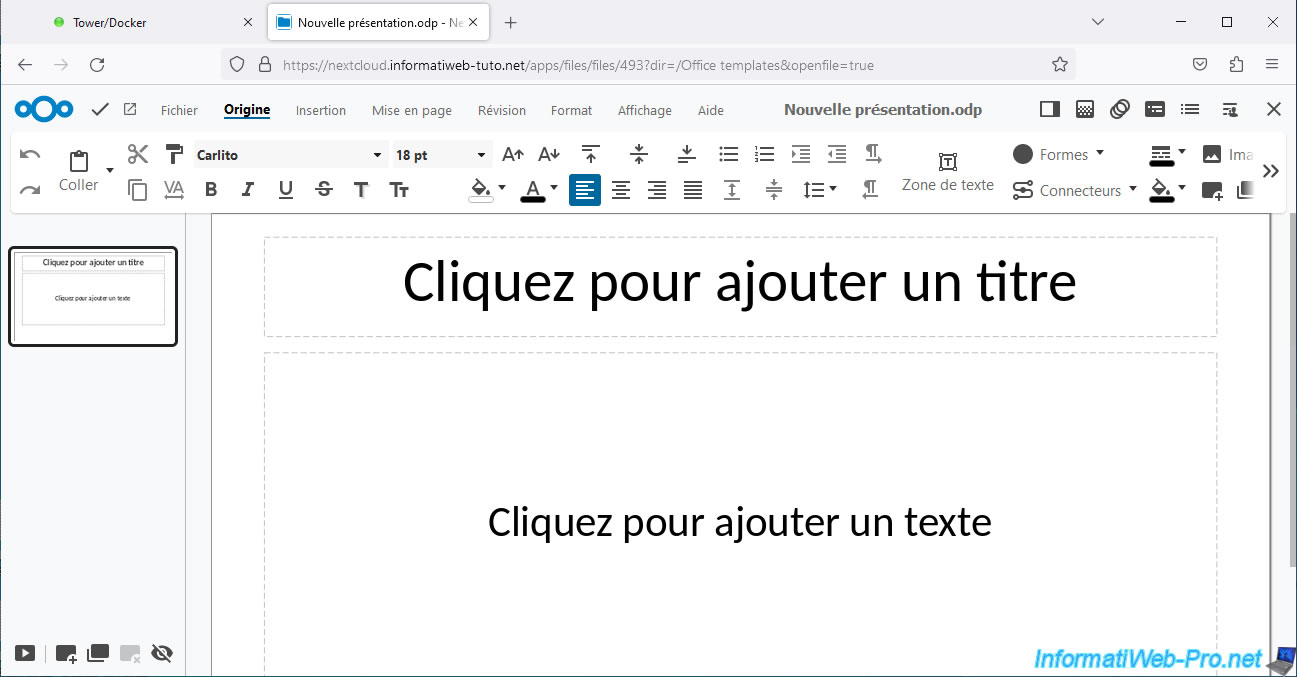
This is what Collabora Impress looks like for creating presentations.
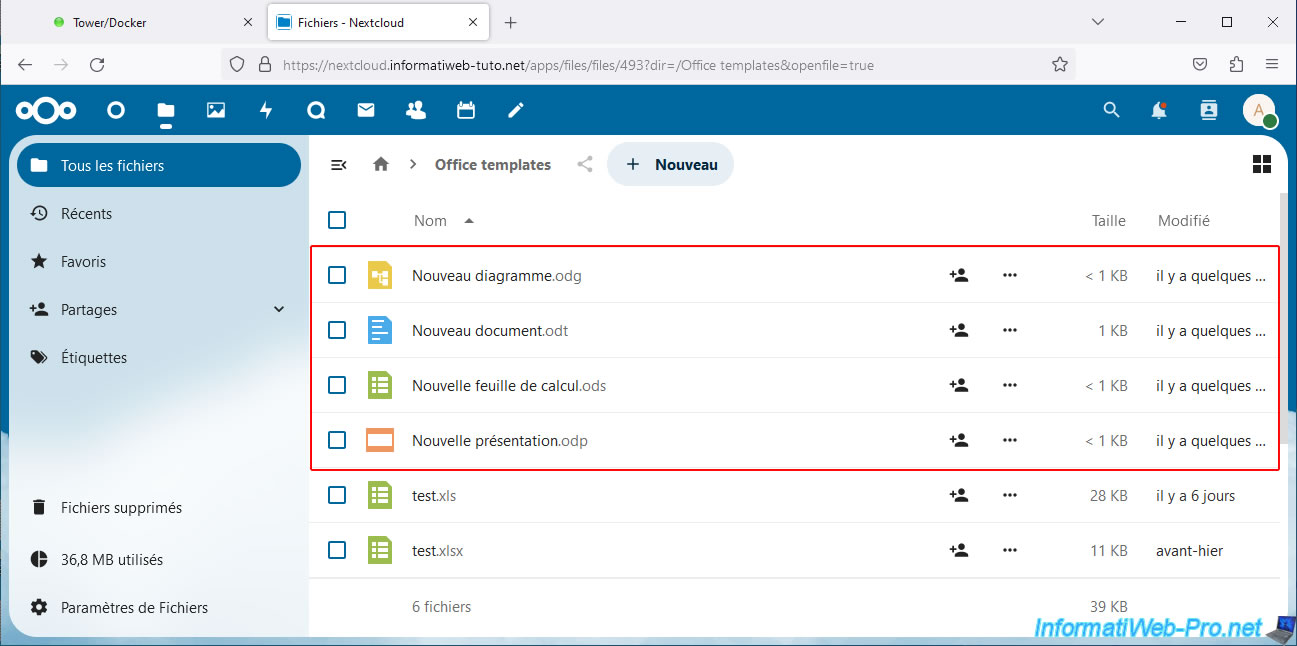
As you can see, the "Collabora Online" programs create files in LibreOffice format.
So:
- .odg: for diagrams.
- .odt: for documents.
- .ods: for spreadsheets.
- .odp: for presentations.
Share this tutorial
To see also
-
NAS 3/25/2026
Unraid 6.9.2 - Change web interface ports
-
NAS 1/28/2026
Unraid 6.9.2 - Replace the parity disk
-
NAS 6/3/2026
Unraid 6.9.2 - SWAG - Access Jellyfin via reverse proxy and Duck DNS (DDNS)
-
NAS 8/13/2026
Unraid 6.9.2 - VMs - Guest not initialized display (solution)
No comment