- NAS
- Unraid
- 25 March 2026 at 19:41 UTC
-


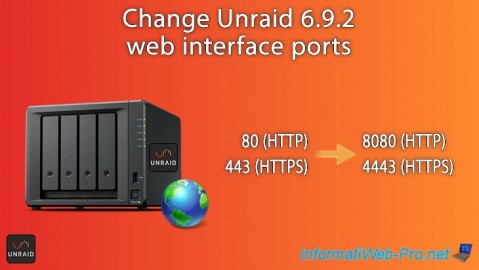
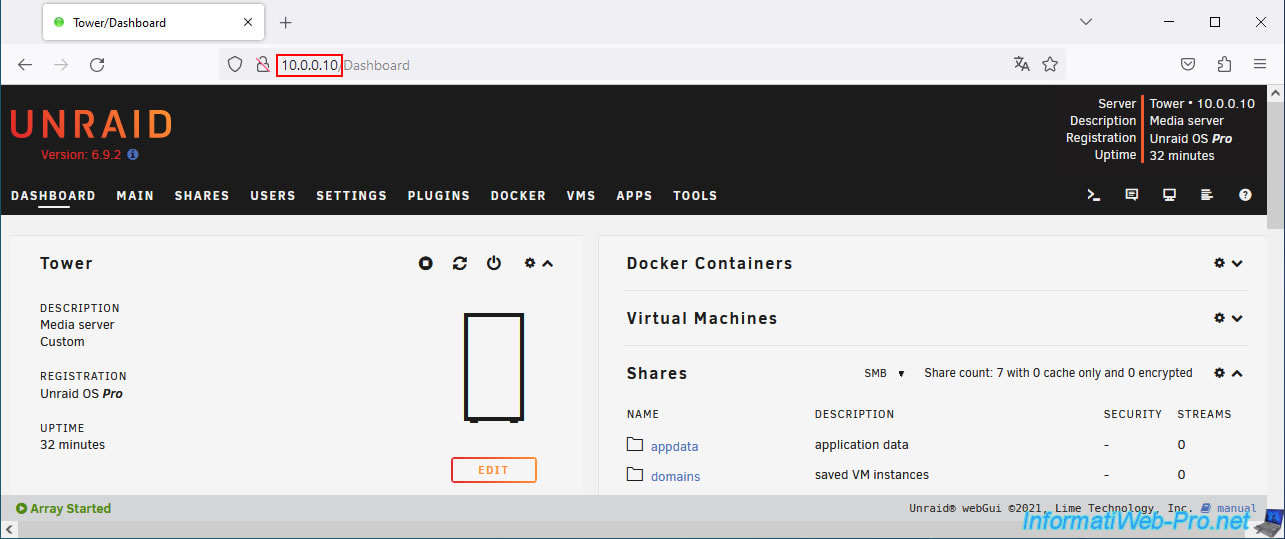
By default, the Unraid web interface uses the usual ports 80 and 443 for HTTP and HTTPS access.
However, if you need these ports for a Docker container, you will need to modify the ports used by the desired Docker container or modify the ports used by Unraid.
In the case of a reverse proxy (such as SWAG), you will need to use the same ports (whether you are trying to access it from the local network or from outside (the Internet)).
The problem is that this reverse proxy also uses ports 80 and 443 for HTTP and HTTPS access.
The advantage of using ports 80 and 443 for your reverse proxy is that you will not need to specify the port number after your domain (used with SWAG).
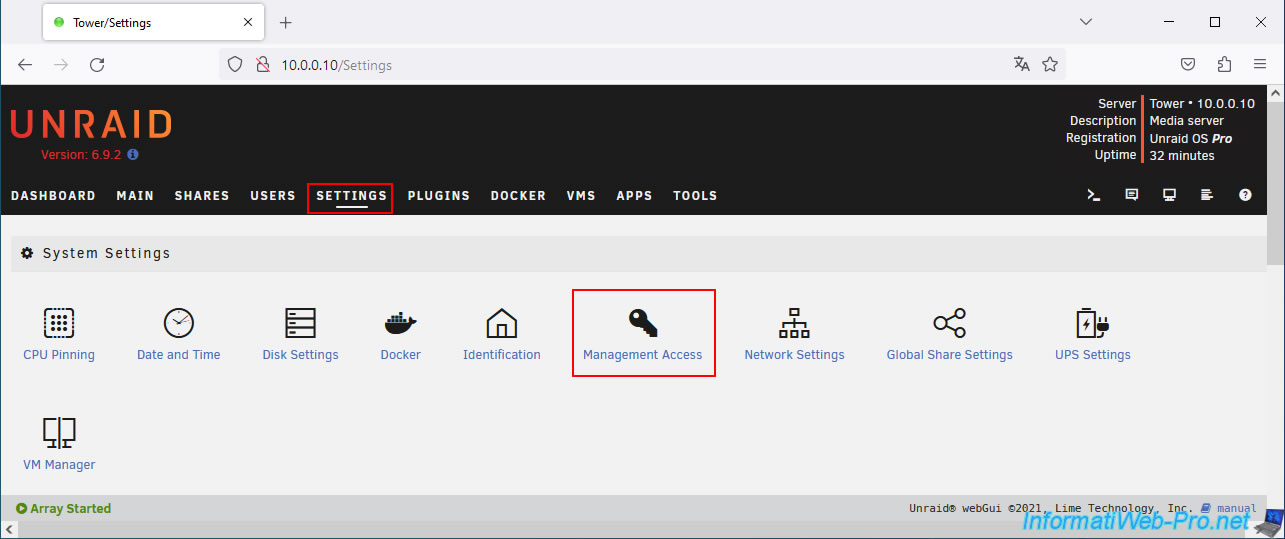
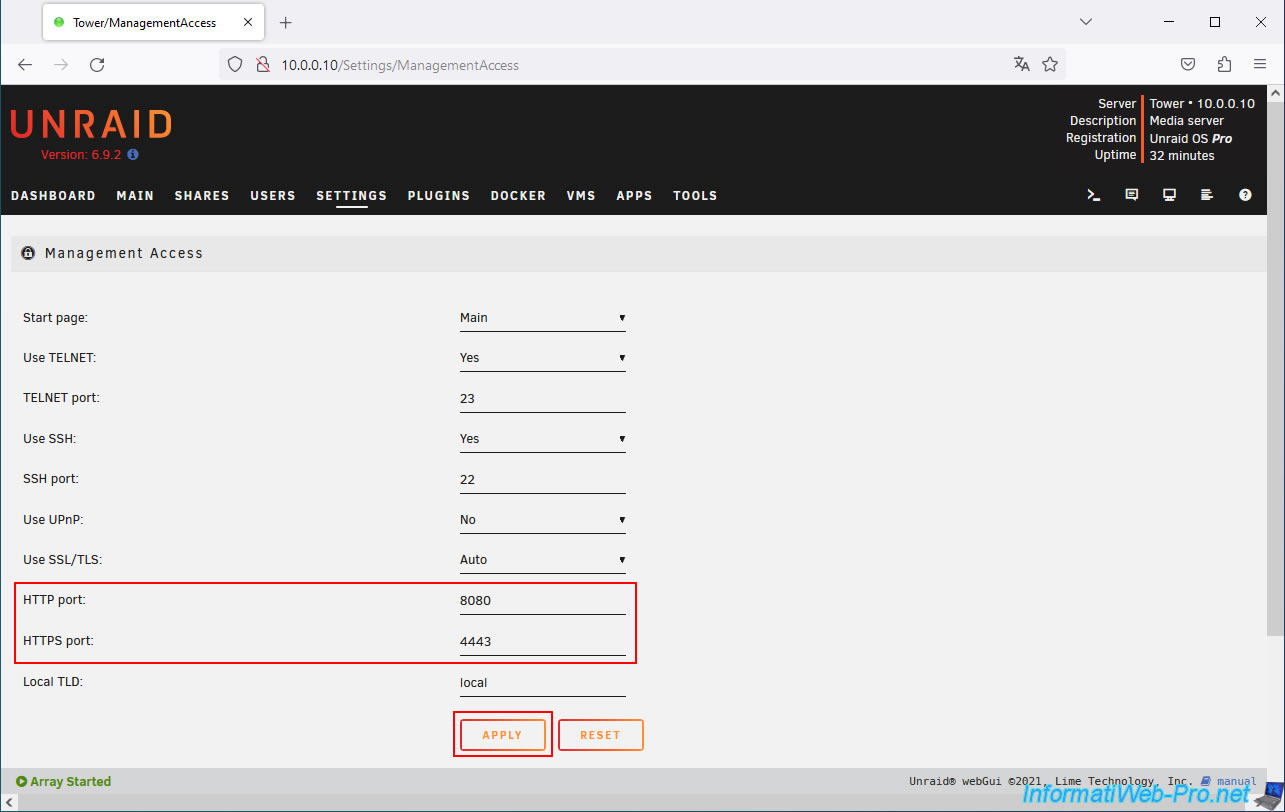
To change the ports used by Unraid for its web interface, go to: Settings -> System Settings -> Management Access.
As expected, by default, the ports used by this web interface are:
- HTTP port : 80
- HTTPS port : 443
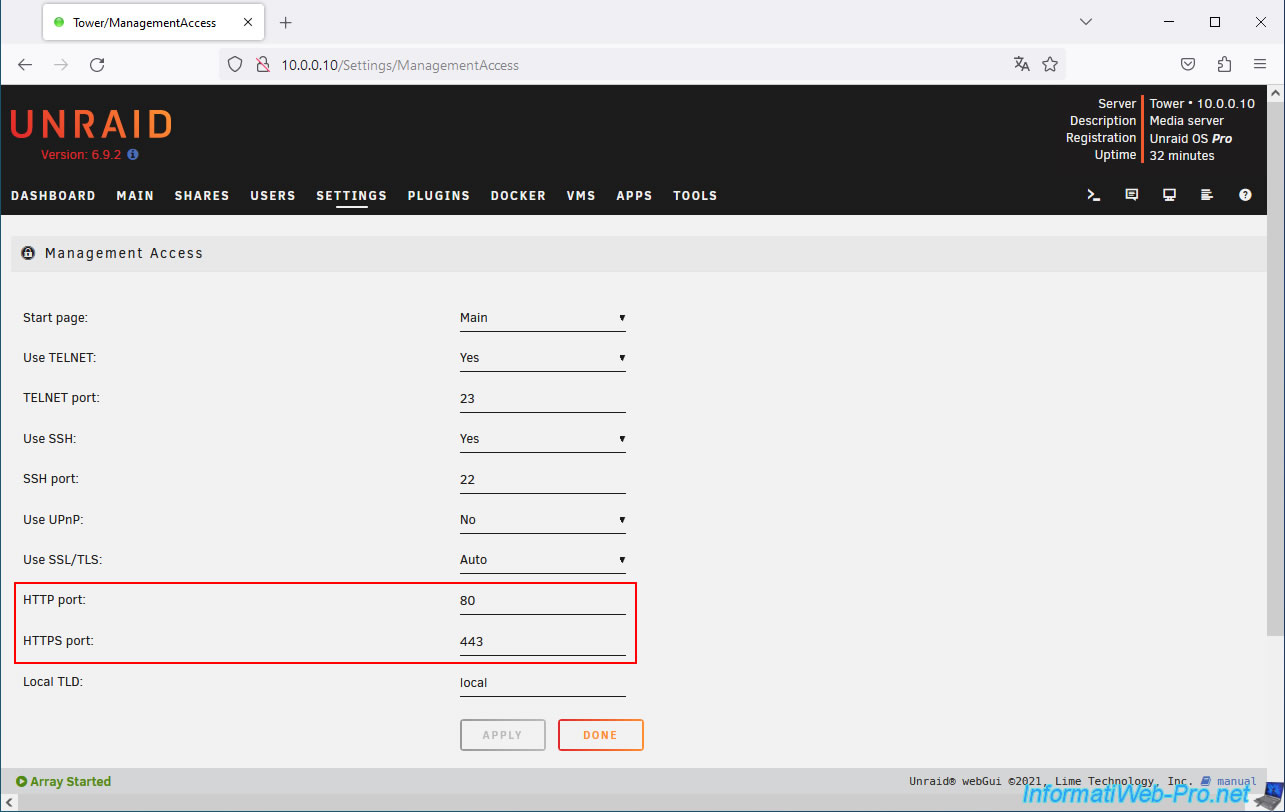
Change these like this (for example):
- HTTP port : 8080
- HTTPS port : 4443
Then, click "Apply".
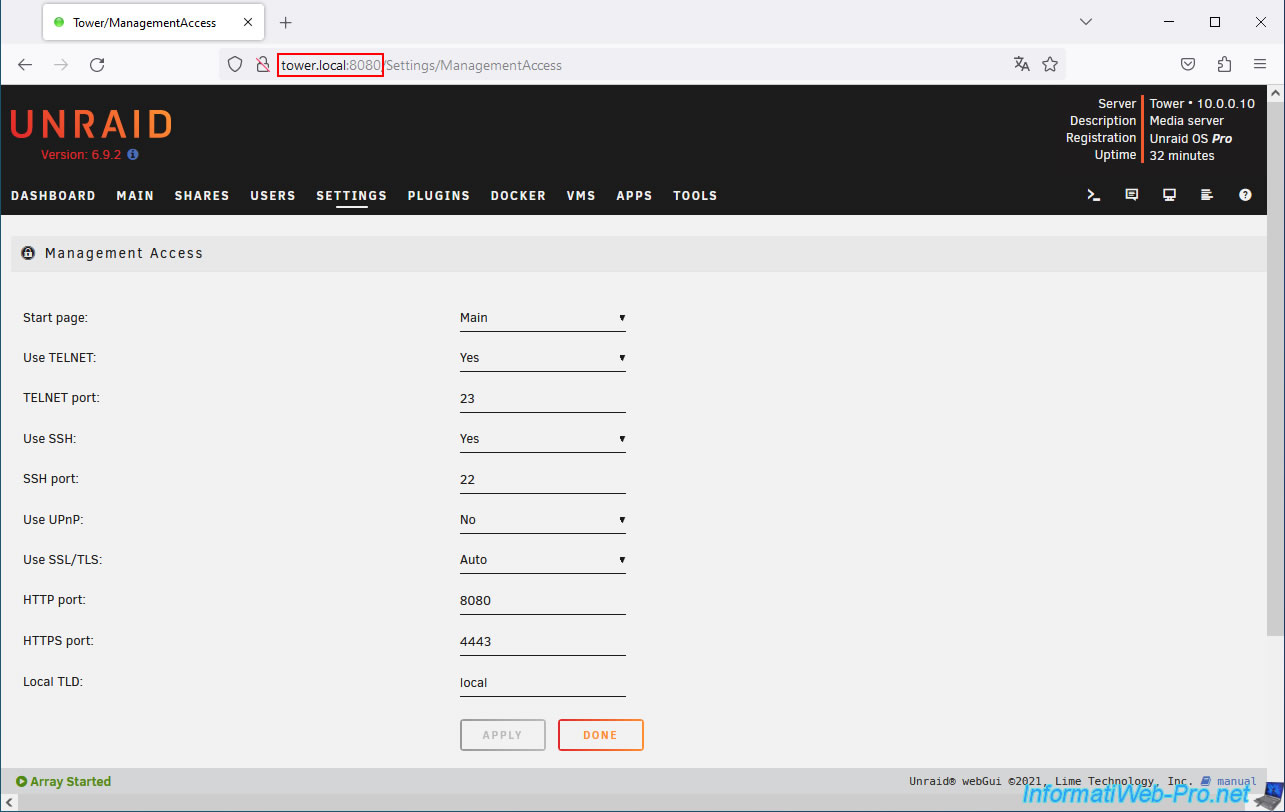
Unraid will automatically redirect you to the new address of its web interface (using its local name).
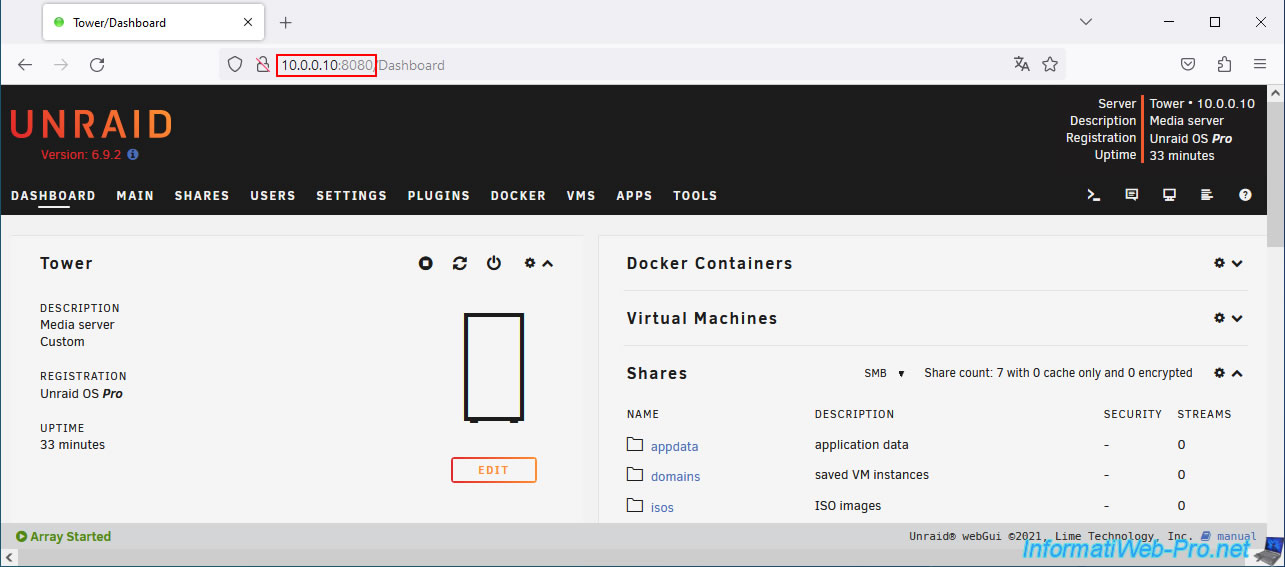
Note that you can still access its web interface using its local IP address, as well as the new HTTP port number.
Share this tutorial
To see also
-
NAS 2/11/2026
Unraid 6.9.2 - Customize the web interface
-

NAS 2/25/2026
Unraid 6.9.2 - Install the "Community Applications" (CA) plugin
-
NAS 5/20/2026
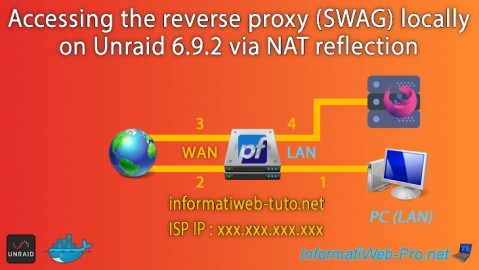
Unraid 6.9.2 - SWAG - Locally access the reverse proxy (SWAG) via NAT reflection
-

NAS 9/16/2026
Unraid 6.9.2 - VMs - Hotplug USB devices (Libvirt Hotplug USB plugin)
You must be logged in to post a comment